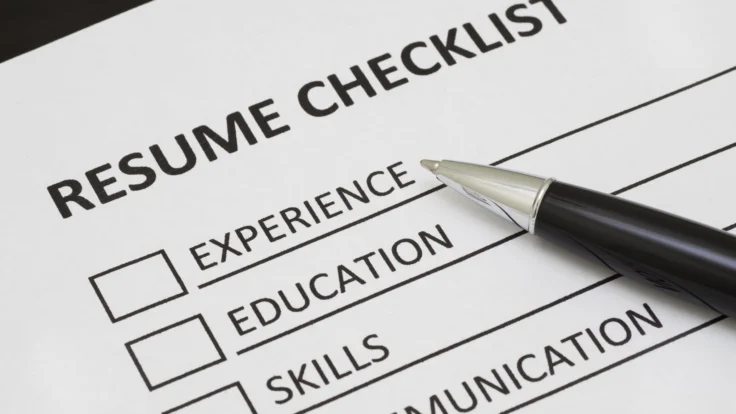
Are you spending hours polishing your resume, but recruiters only give it seconds? That’s why we created this resume checklist for 2026 to help you catch everything from formatting to ATS compatibility for a number of different roles.
Combine our checklist with our AI resume builder to get everything done in minutes and make sure that it’s ready to be submitted.
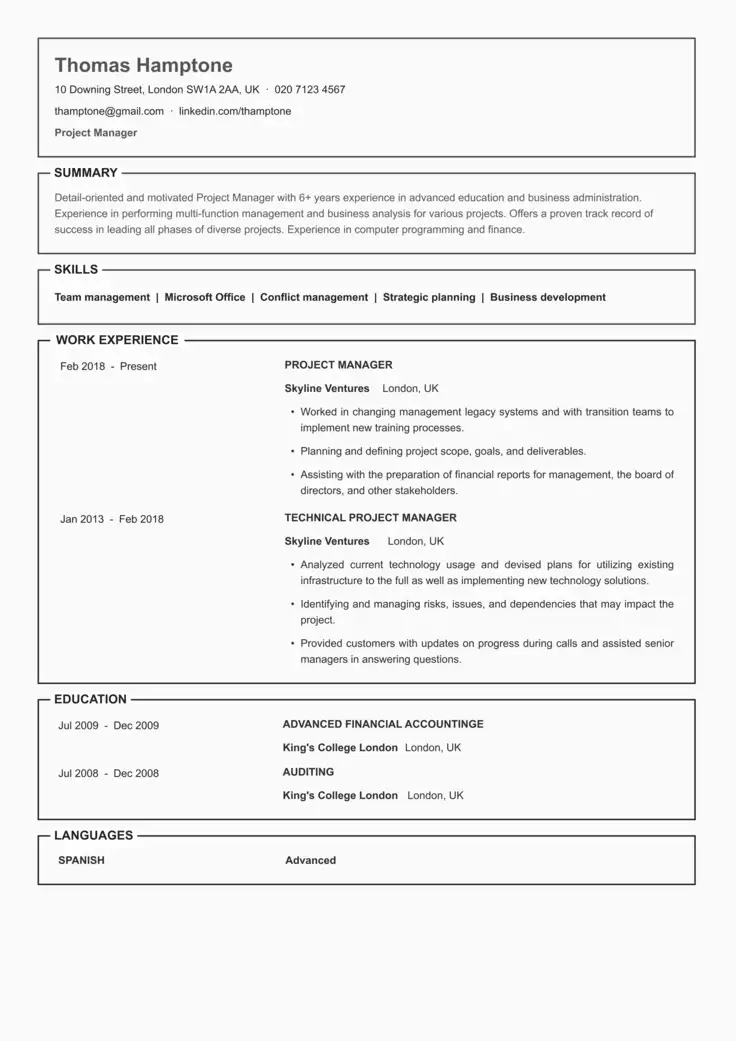
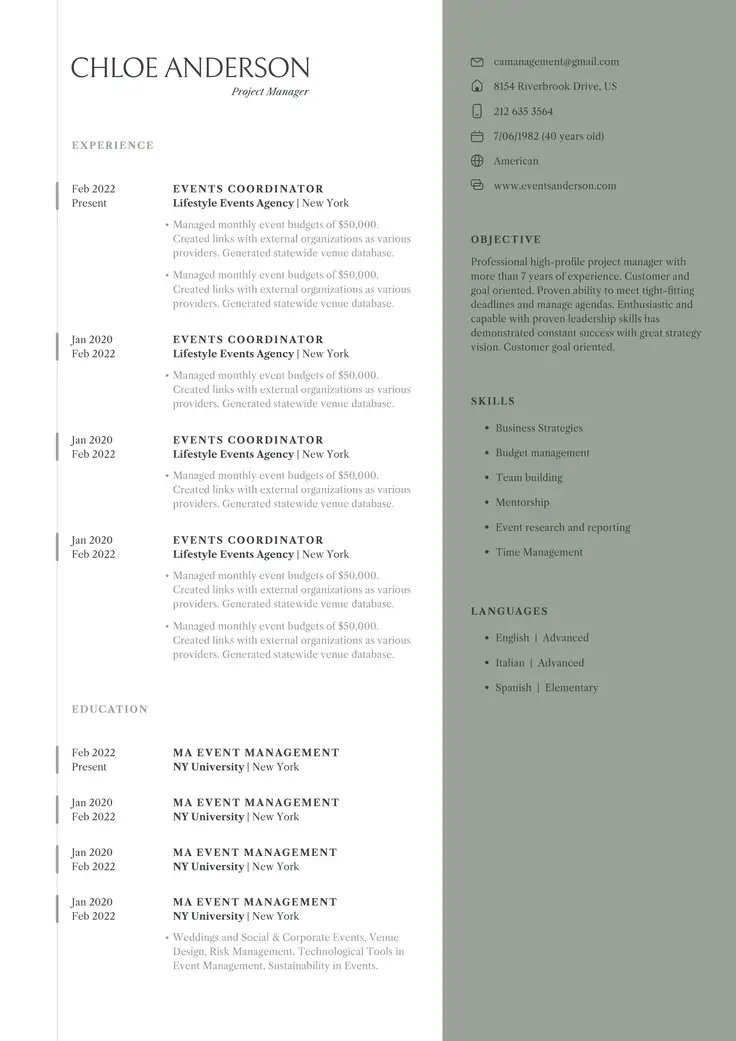
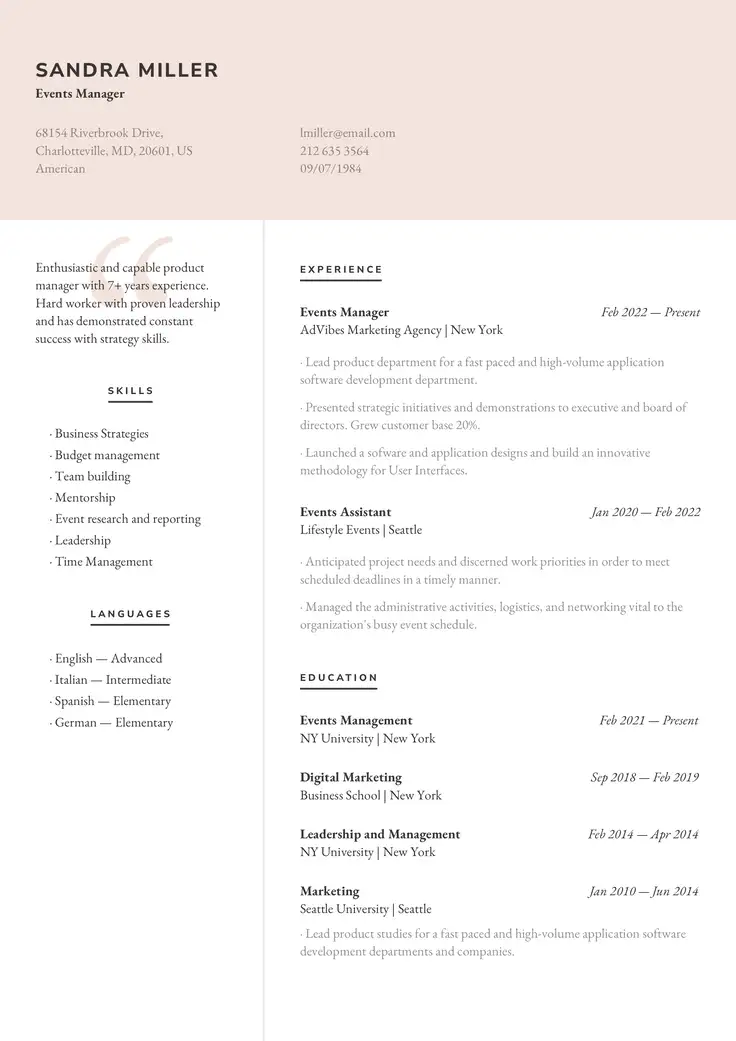
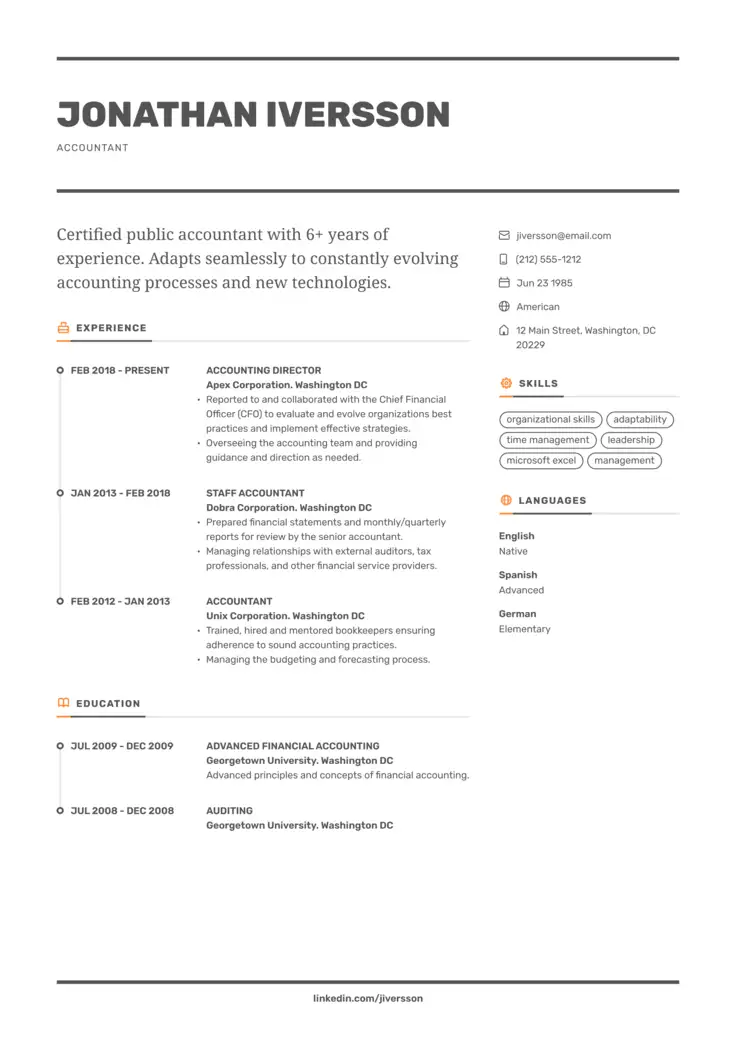
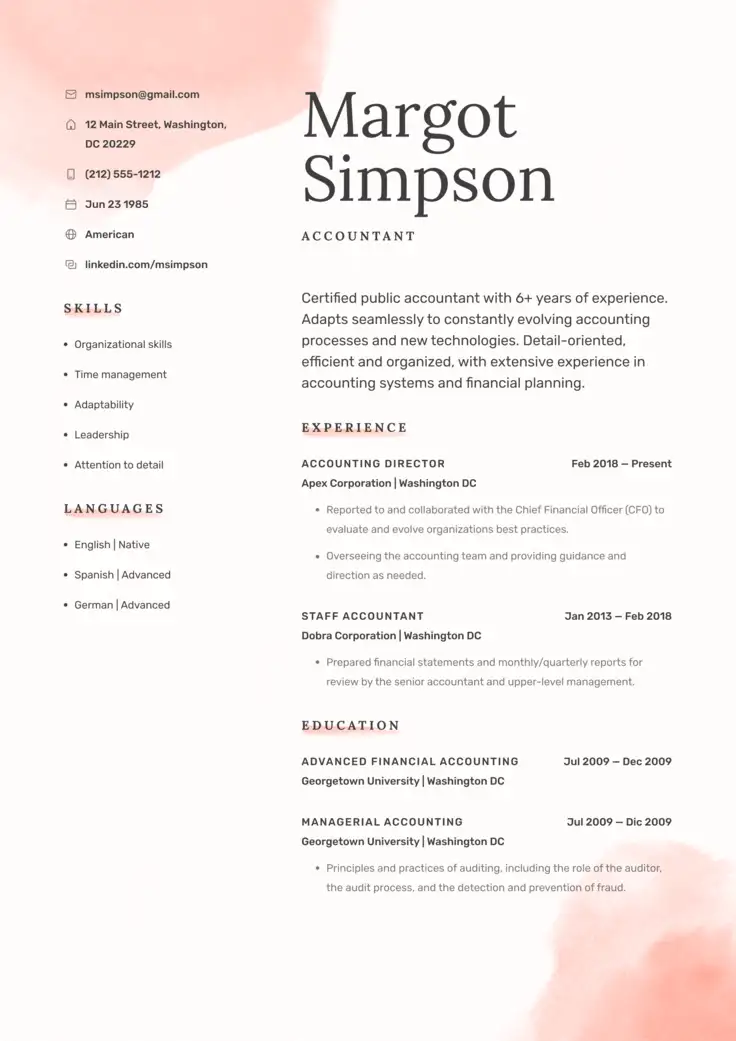
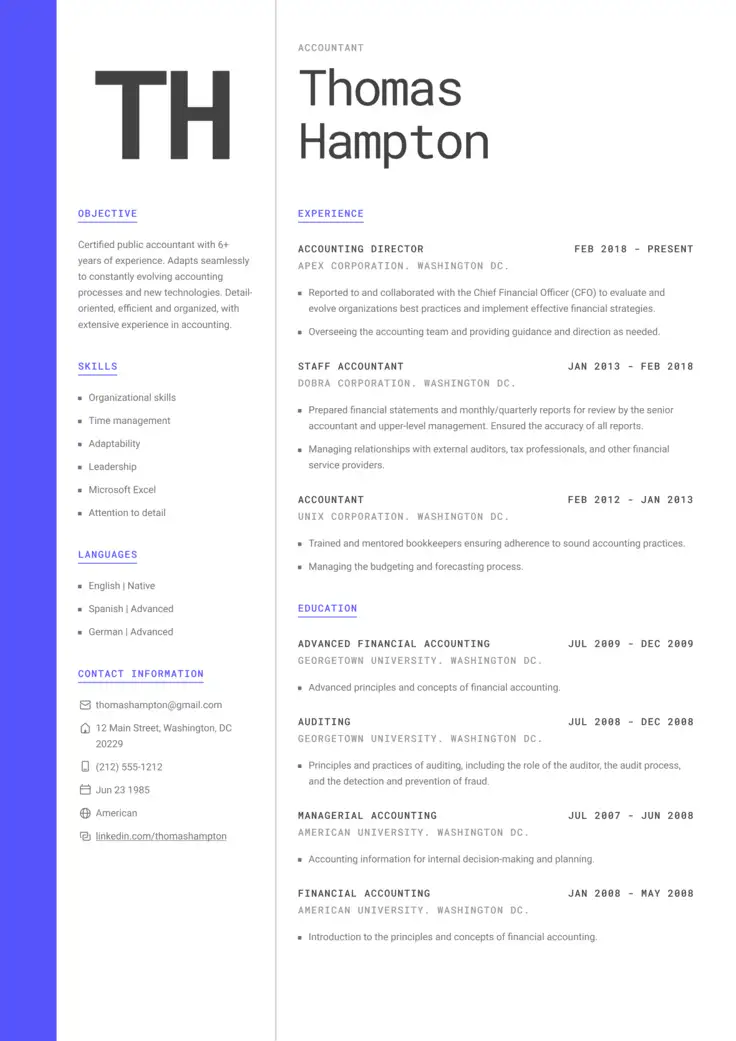
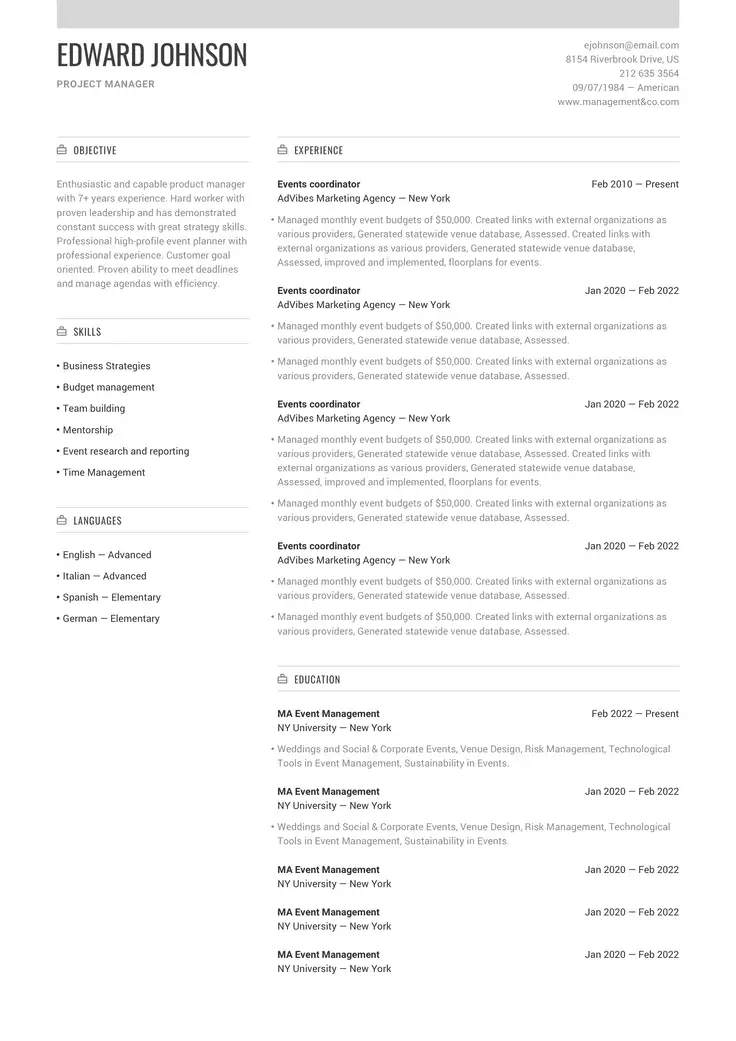
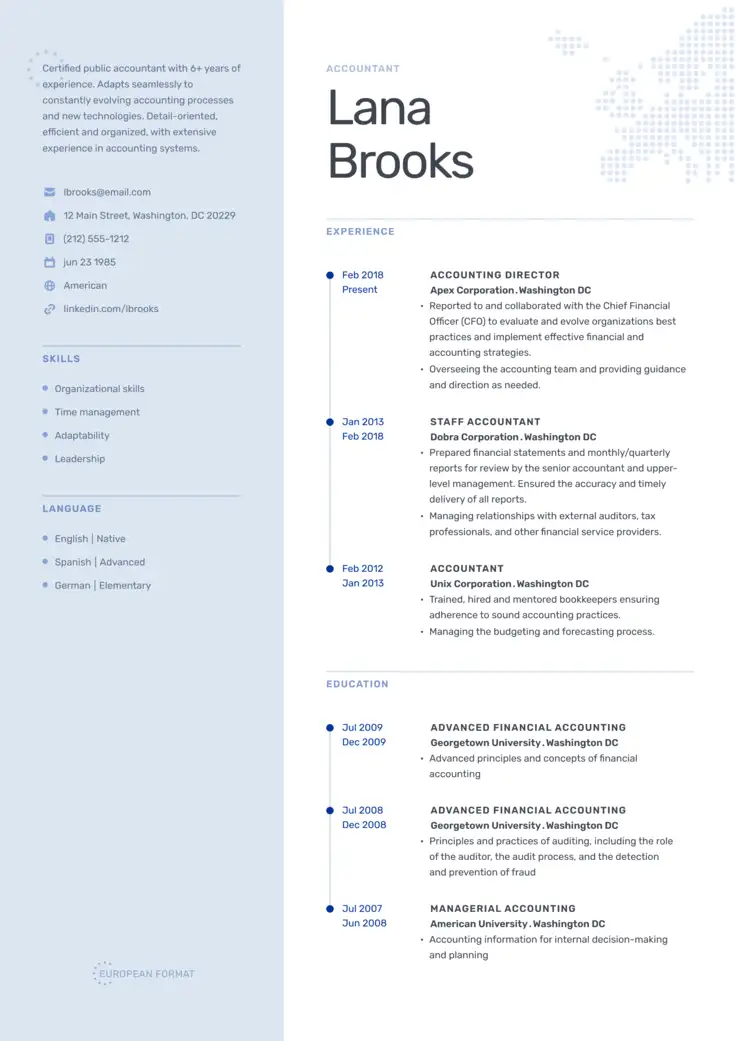
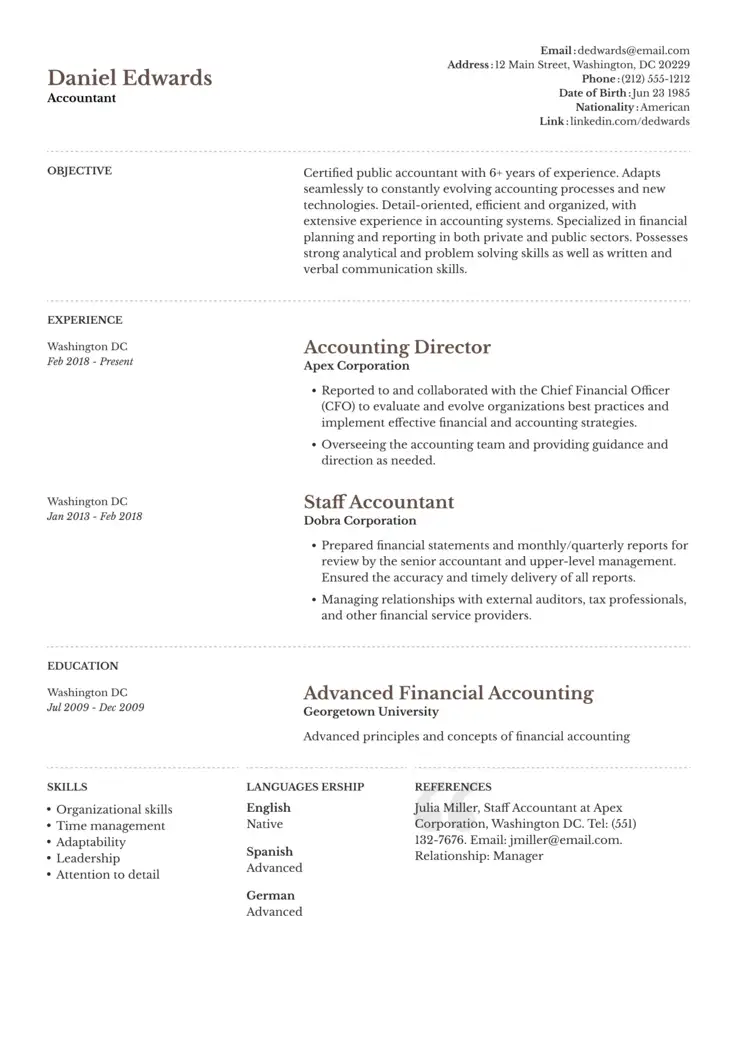
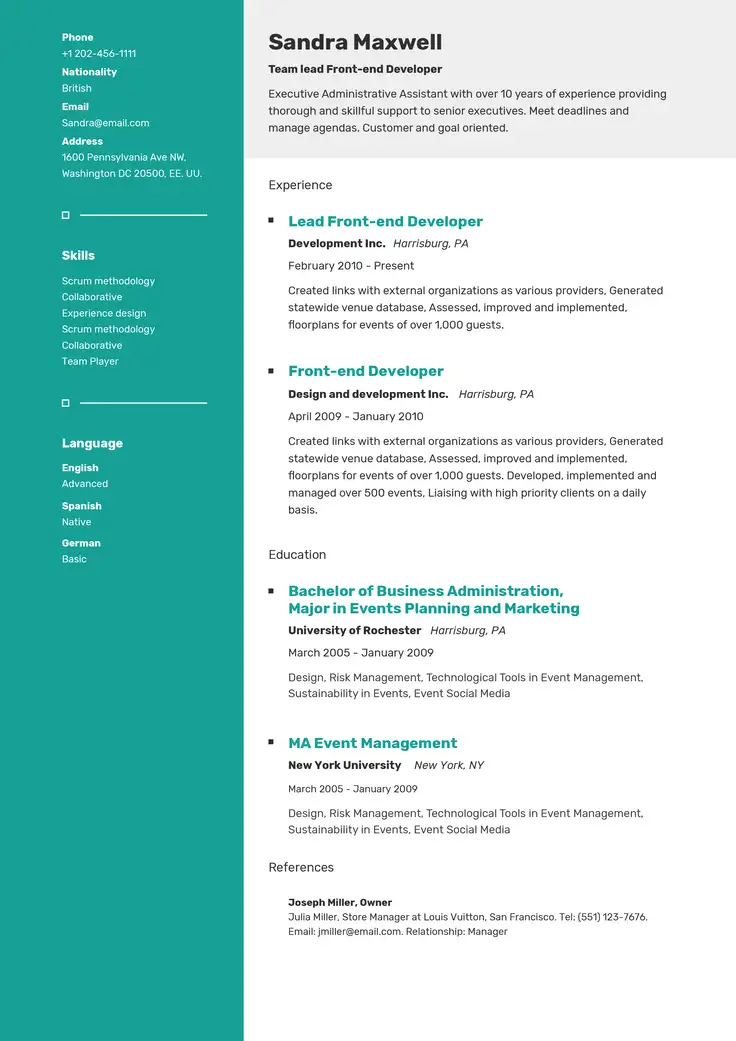
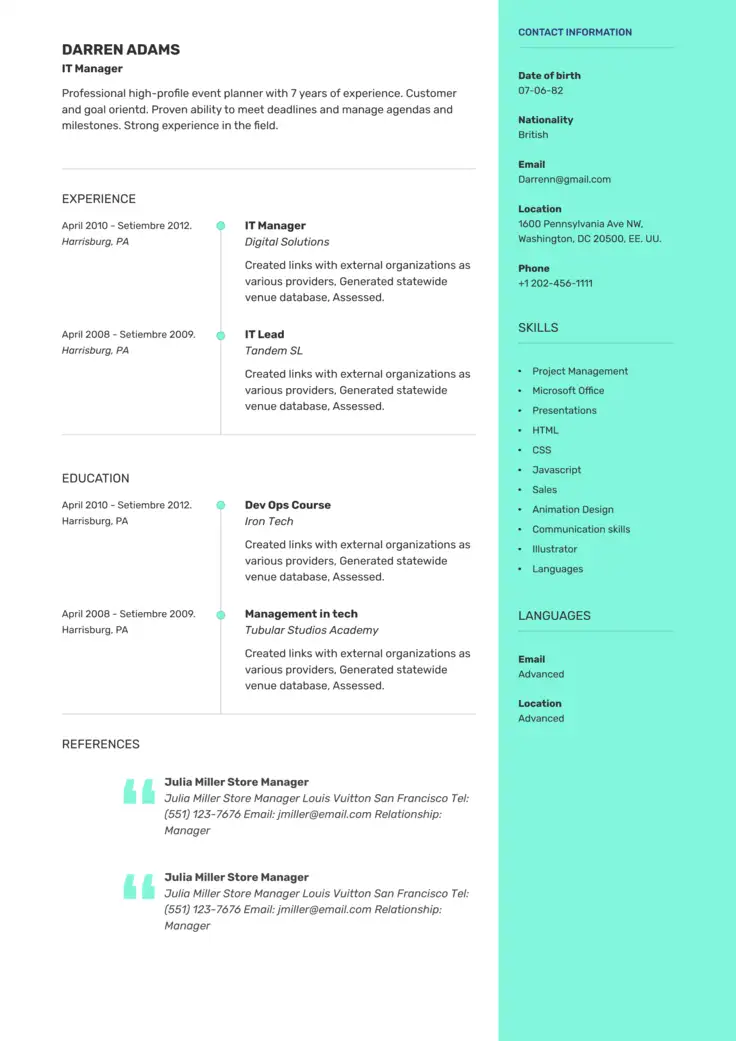
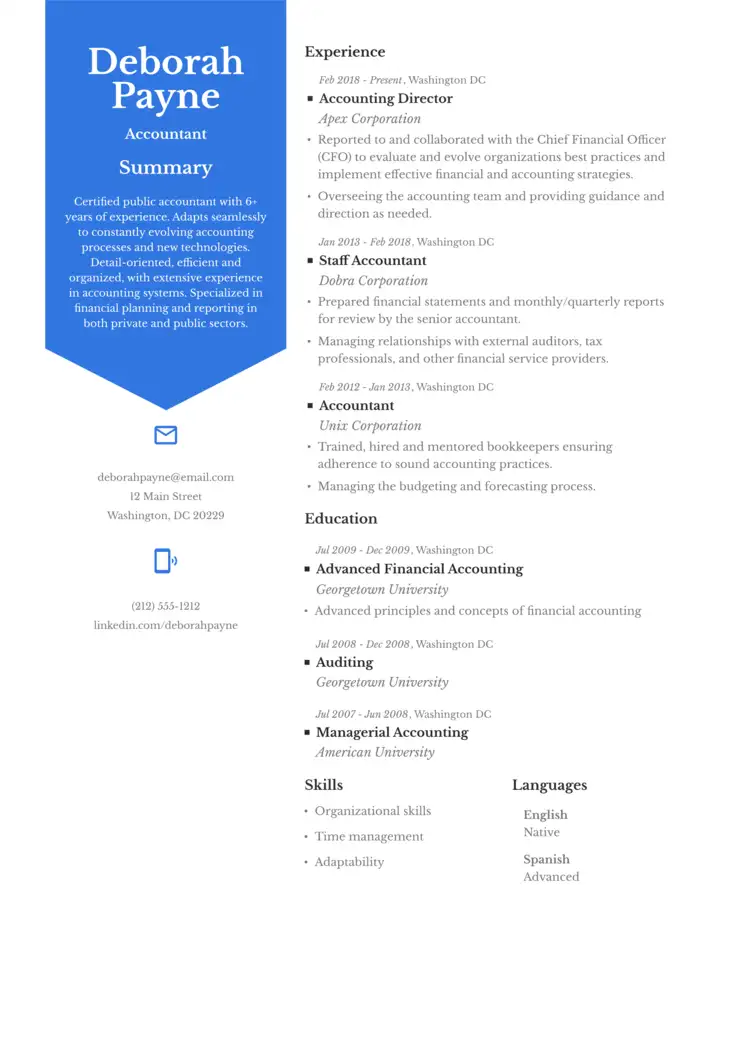
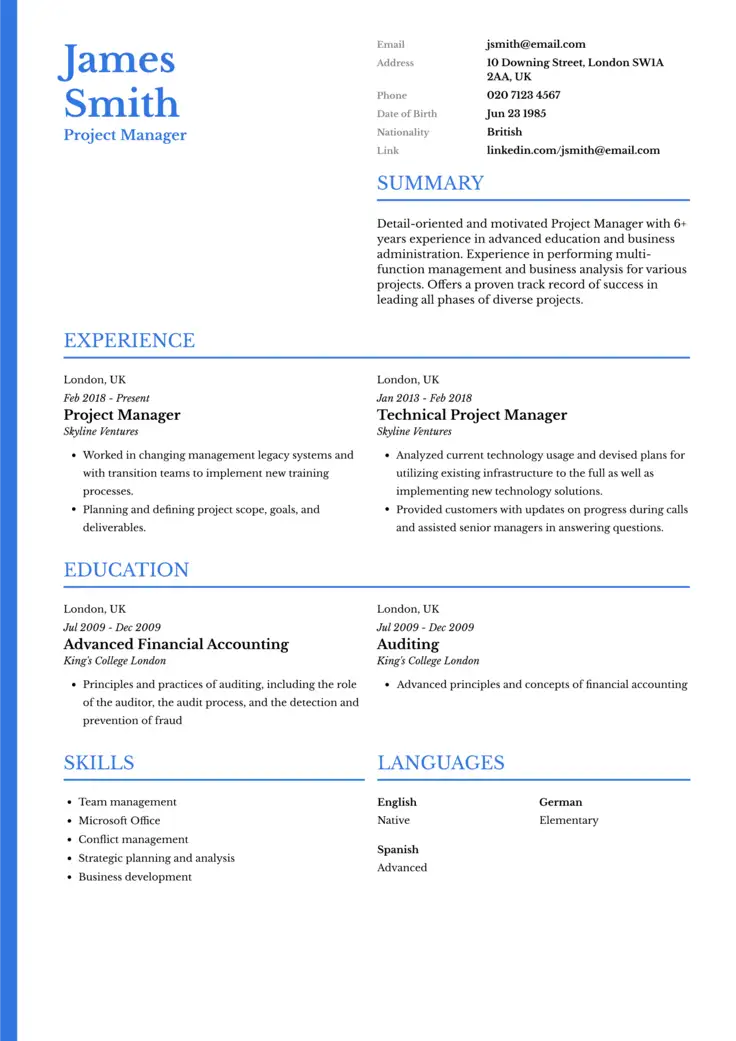
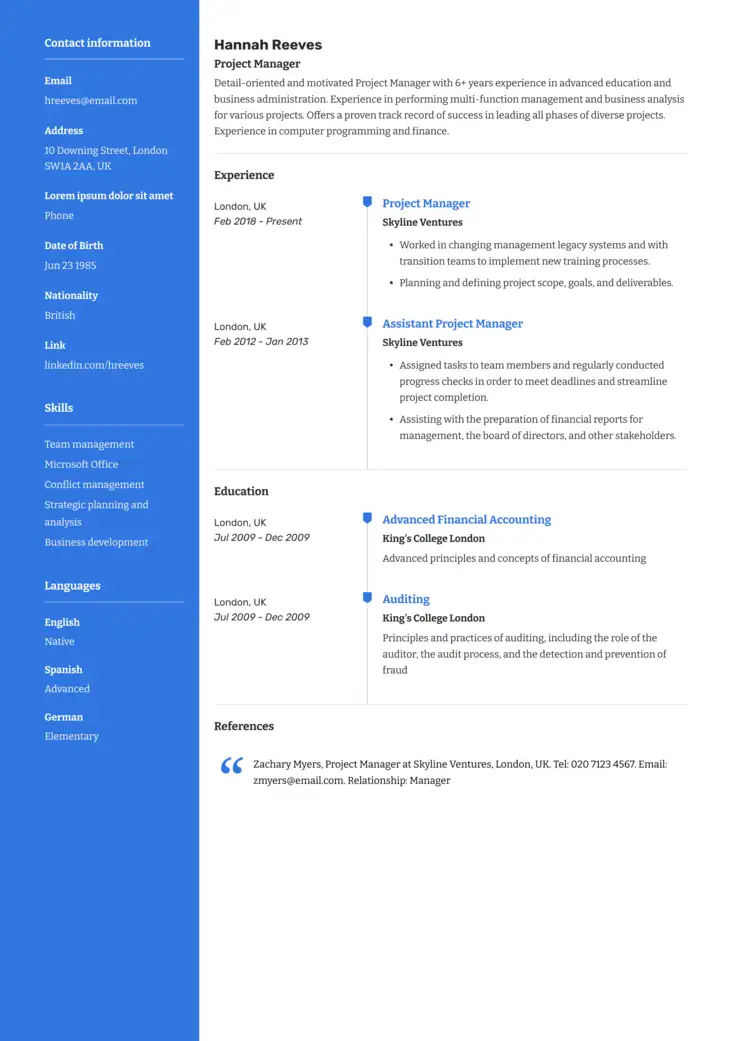
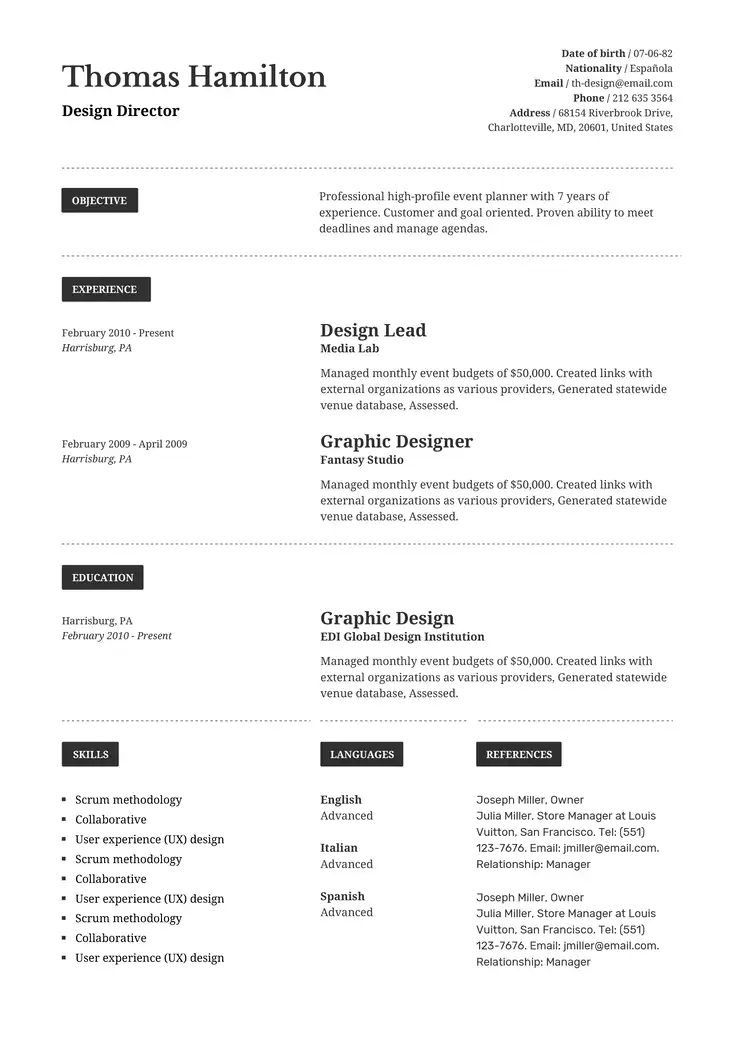
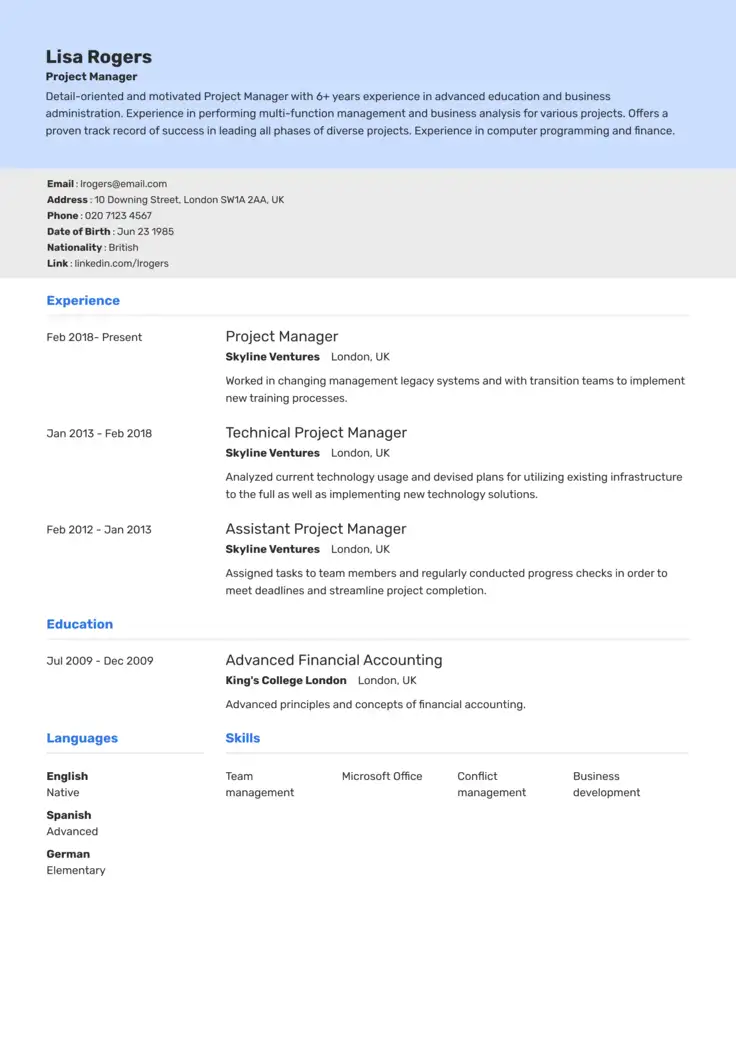
Who This Resume Checklist Works For
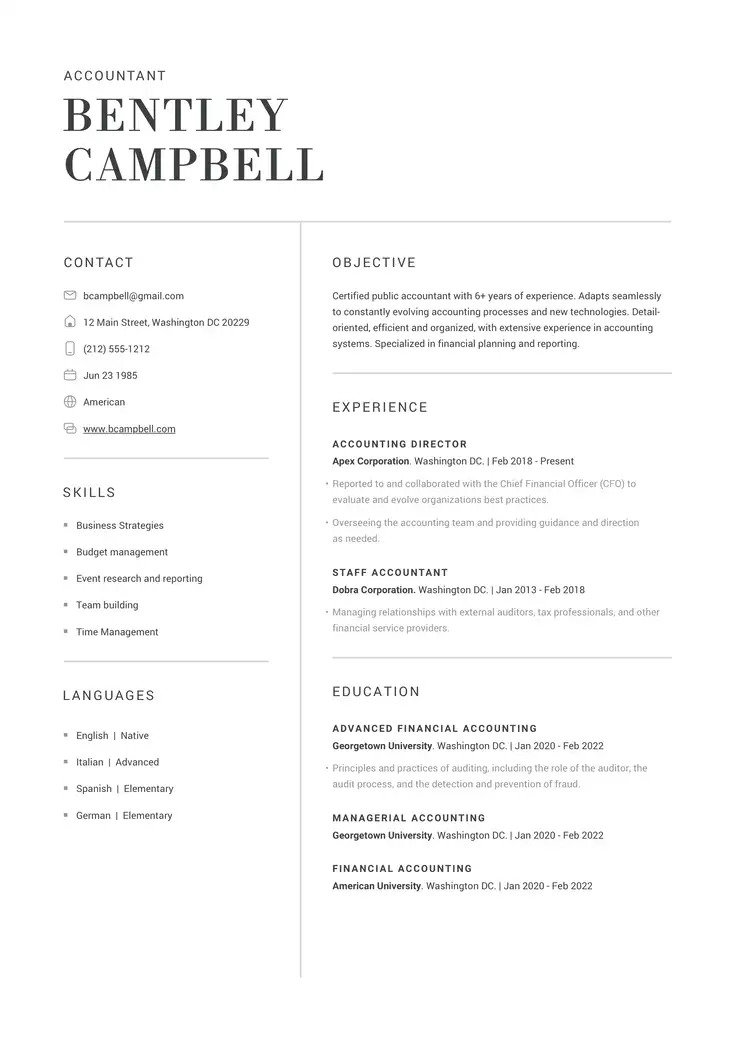
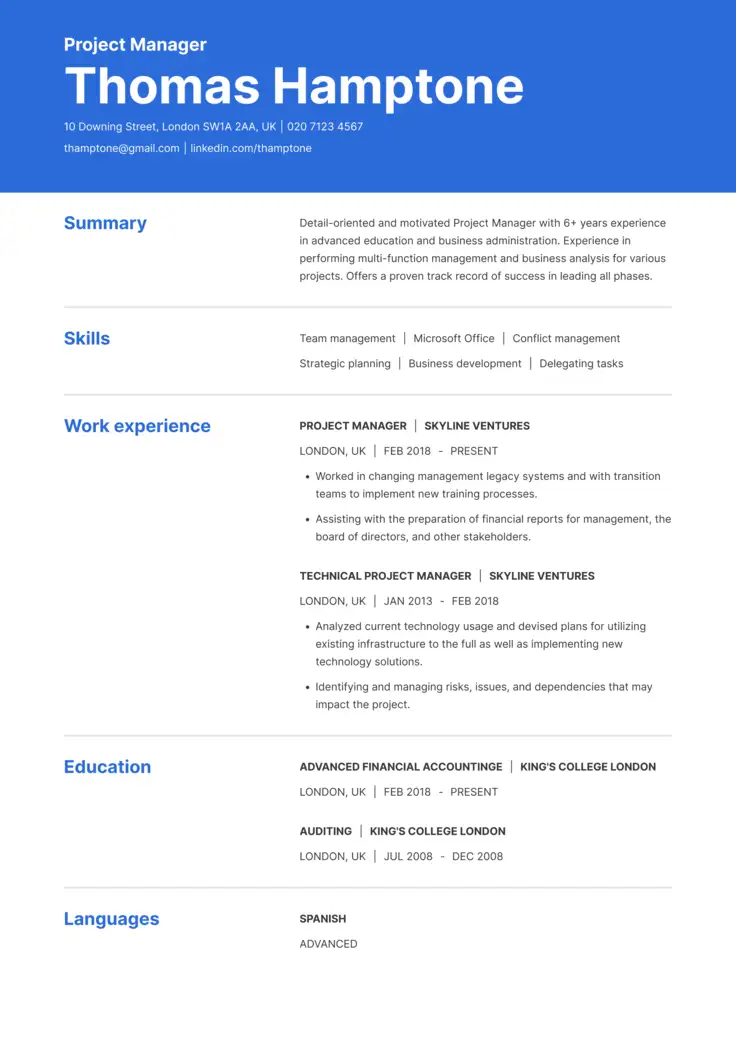
Our resume writing checklist helps make sure that you cover all the common parts of a resume at every career stage to impress hiring managers. Here is who can use our checklist and how:
- New job seekers: With a checklist for a resume, you can make sure you lean on your coursework and internships instead of blank space.
- Experienced professionals: With our checklist’s help, you can tighten your bullet points so your recent wins stand out.
- Career changers: Reframe past experience in terms of transferable skills, not job titles, when changing careers.
- Returning to the workforce: Address gaps confidently instead of hiding them.
How to Use This Resume Writing Checklist
To use this checklist, simply go section by section and check off each item by hand.
- Read through each category below (format, ATS compatibility, contact info, and more).
- Check your resume against each item, one section at a time.
- Fix what’s missing or outdated as you go.
- Or upload your resume to the AI Resume Builder for an instant check.
To get a tailored resume even faster, simply paste your resume and the job description into our AI Resume Builder and let it flag most of these for you in seconds.
You can also use our AI tool to create a new one in seconds.
ResumeCoach’s Resume Checklist for 2026
Here’s the full resume checklist, broken down into seven categories you can’t skip.
The Resume Checklist
Format & Design
- Saved as a Word doc or PDF (check the job posting for which one they want)
- Margins between 0.5″ and 1″
- Font size between 10 and 12 pt, in an easy-to-read font like Calibri or Arial
- One page (two pages only if you have 10+ years of experience)
- Enough white space so it doesn’t feel cramped
- Consistent formatting throughout (same font, spacing, and bullet style everywhere)
ATS Compatibility
- No tables, columns, text boxes, or graphics (most ATS software can’t read them)
- Standard section headers like “Work Experience” and “Education,” not creative alternatives
- Keywords from the job description worked naturally into your bullet points
- File named clearly, like “FirstName-LastName-Resume.pdf“
Contact Info & Header
- Full name, bold and at the top
- Phone number and a professional email address
- LinkedIn URL included
- City and state (skip the full street address)
Work Experience
- Listed in reverse chronological order
- Each bullet starts with a strong action verb
- Results quantified wherever possible (numbers, percentages, dollar amounts)
- Consistent tense (past tense for old roles, present tense for your current one)
- Tailored to the job you’re applying for, not a generic list of duties
Skills Section
- Both hard skills (software, tools, certifications) and soft skills included
- Skills match the keywords in the job posting
- Only relevant skills listed, not a long generic list
Education
- Degree, school name, and graduation date included
- GPA included only if it’s strong (3.5+)
- Relevant coursework listed if you’re light on work experience
Final Proofread
- No typos or spelling errors
- Dates and punctuation formatted consistently
- No first-person pronouns (I, me, my)
- File saved and named correctly before you hit submit
Best Practices for Sending Your Resume After Your Checklist is Complete
Go over the following table that explains what you should do to make sure your resume gets read and not ignored by recruiters.
| Step | Best practices | Why it matters |
|---|---|---|
| File format | Save as PDF unless the posting asks for Word | Preserves formatting across devices and most ATS systems |
| File name | Use “FirstName-LastName-Resume.pdf” | Makes your file easy to find among dozens of others |
| Subject line | Include the job title and your name | Helps your email get noticed and filed correctly |
| Application channel | Apply through the official portal or listed email first | Portals feed directly into the ATS, so applications get tracked properly |
| Final check | Open the attached file before sending; don’t just trust the name | Confirms it’s the right, most recent version |
| Follow-up | Wait 5 to 7 business days before checking in | Shows initiative without seeming pushy |
Combine the Checklist With ResumeCoach’s AI Tools
To take full advantage of your checklist with our tools that can take you from the resume creation stage all the way to your interview, with the following features:
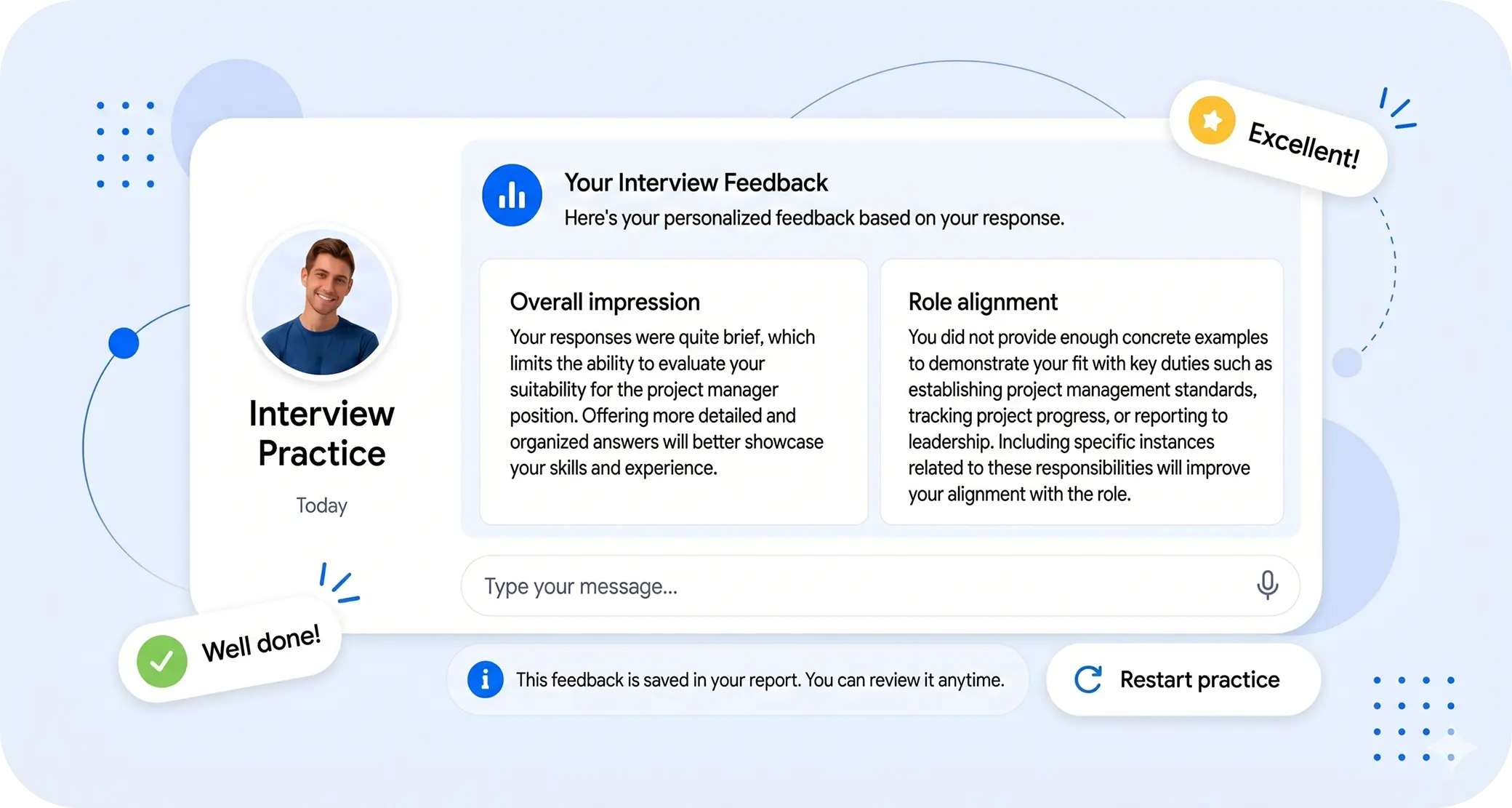
Practice Interviews
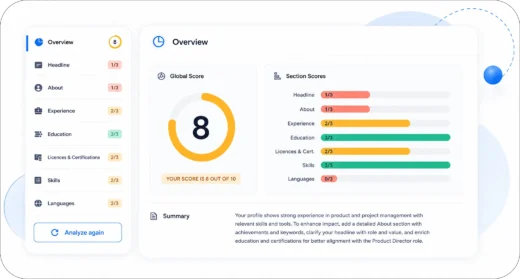
Analyze your LinkedIn
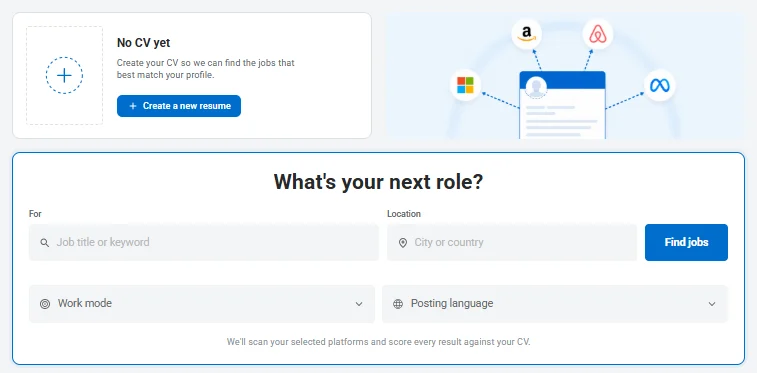
New! Job Match
- AI resume builder: Use our builder to create sections such as a summary, skills section, experience section, and more that are tailored to the job description.
- LinkedIn profile analyzer: Get a grade for your LinkedIn profile that can tell you how you should improve your online presence.
- AI mock interview: Have a back-and-forth conversation with our chatbot
- Job match: Find an opening that matches your qualifications and experience.
Resume Checklist FAQs
Go over the answers below to common questions regarding using a checklist for your resume.
Go over your checklist for resume writing section by section. Check off each item against your resume and fix anything missing or outdated. Then, after you’ve finished, you should proofread your resume once more before submitting.
A resume checklist is a step-by-step list of items that you can use to make sure all of your important professional qualifications, such as skills, ATS format, and more, have been included.
The 5 most indispensable things a resume should include are contact information, a tailored summary or objective, quantified work experience in reverse-chronological order, a skills section that matches the job posting, and education details, including degree, school, and graduation date.
Avoid first-person pronouns, vague filler words like “hardworking” or “team player” without proof, and weak verbs like “helped” or “worked on.” Use strong action verbs and specific results instead.
Related Posts