
Cover Letter Format: How to Write Date, Salutation, Closing, and More
Learn how to open, format, write the date, and end your cover letter to impress hiring managers with your skills and experience.

Our customers have been hired by:






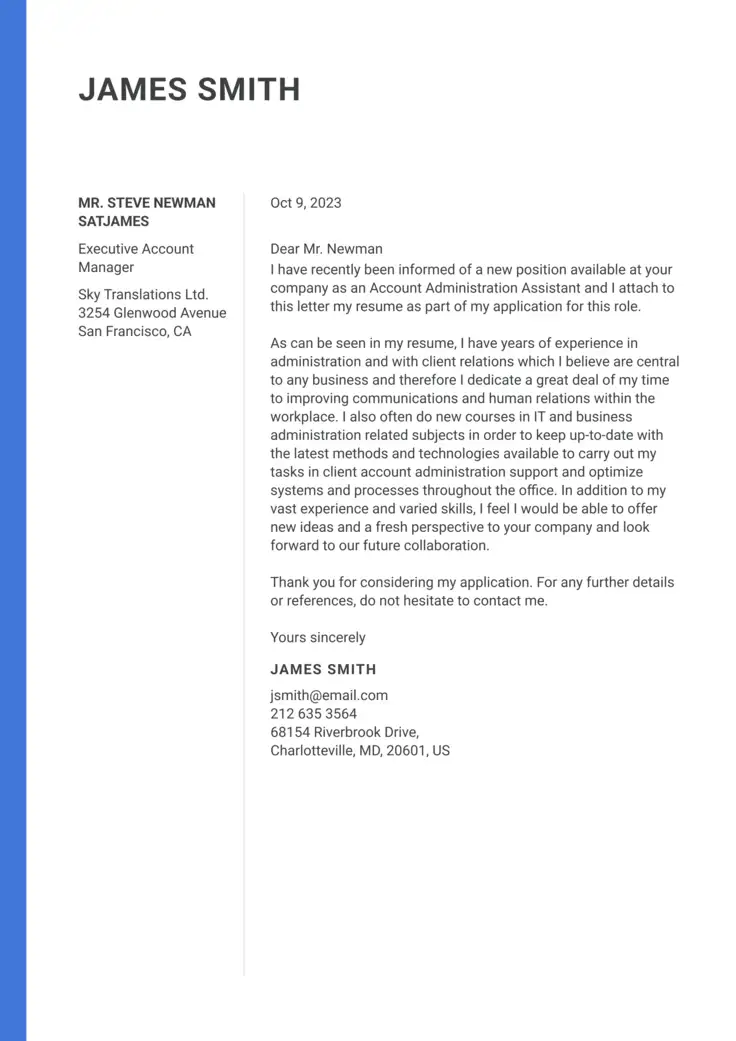
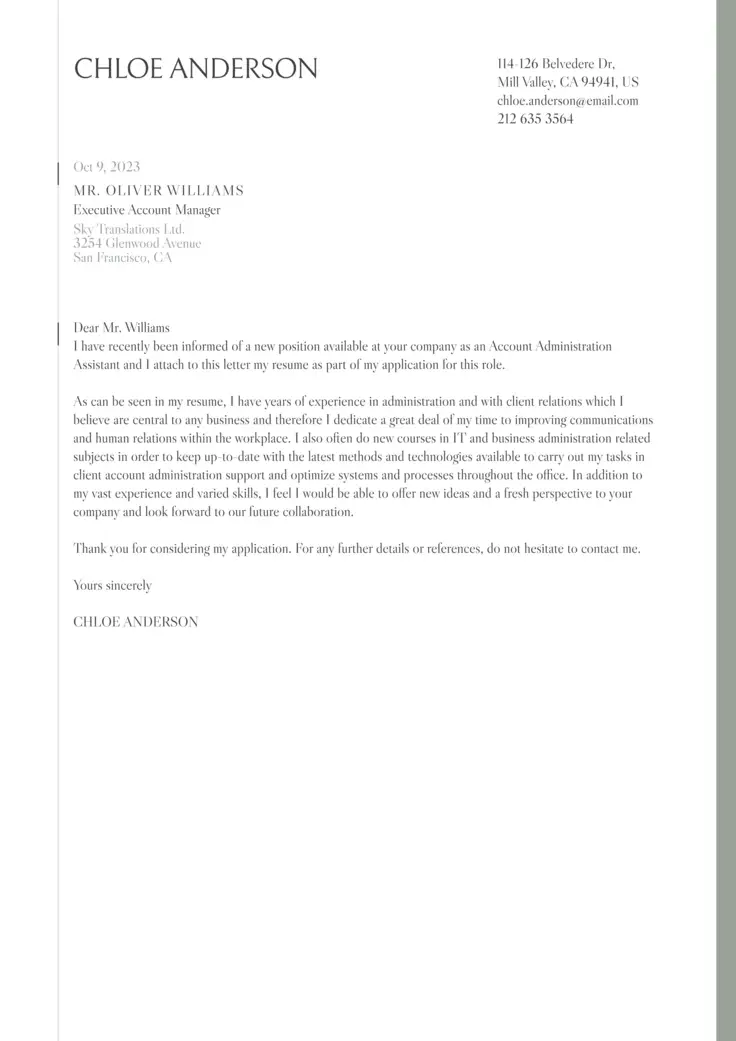
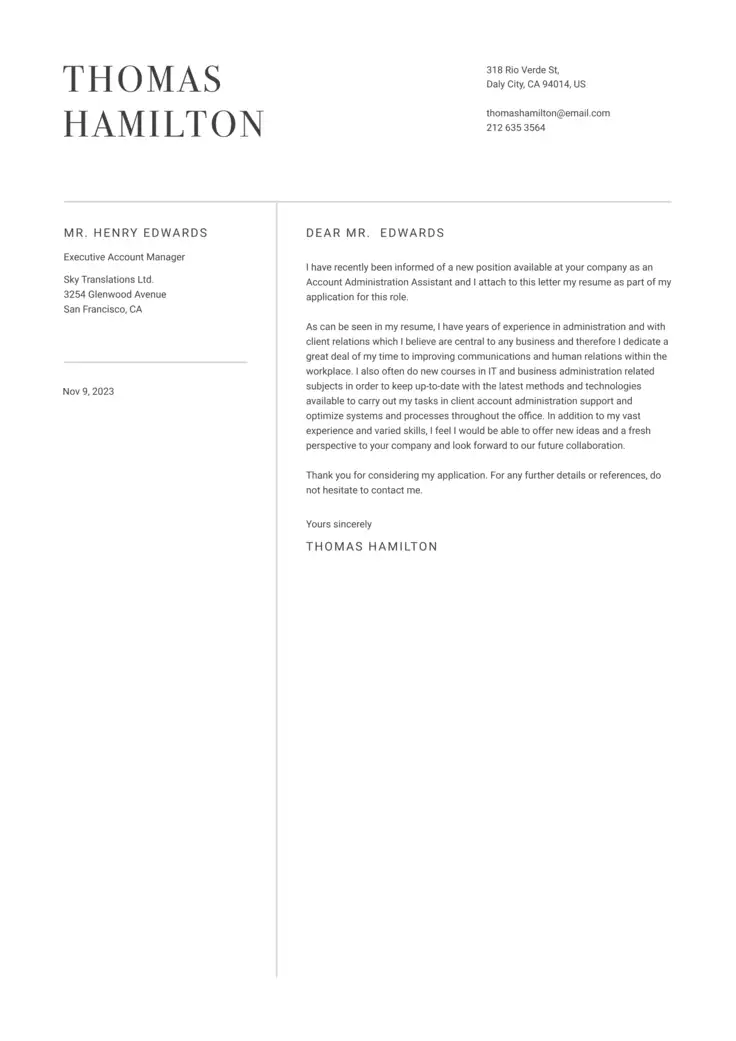
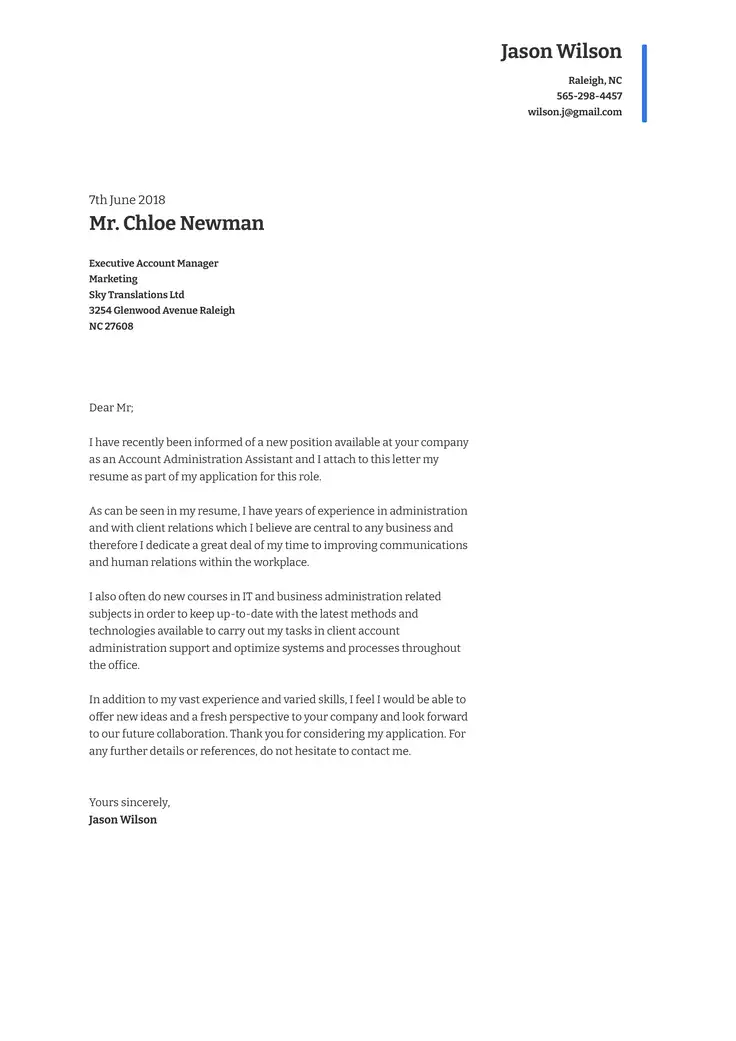
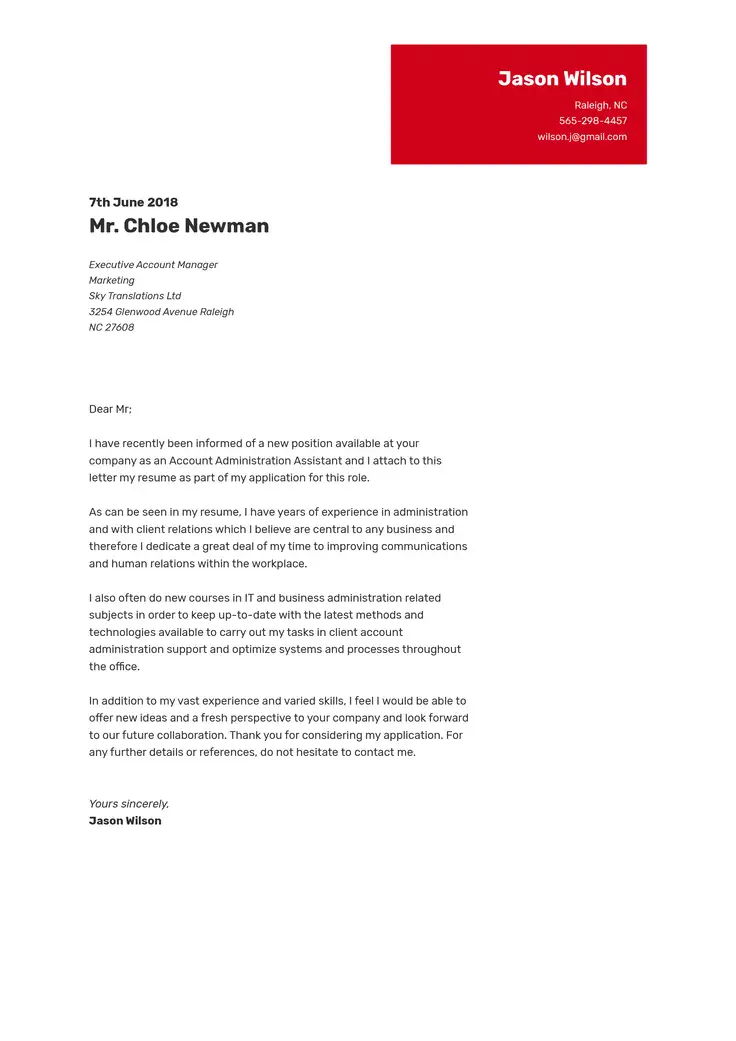
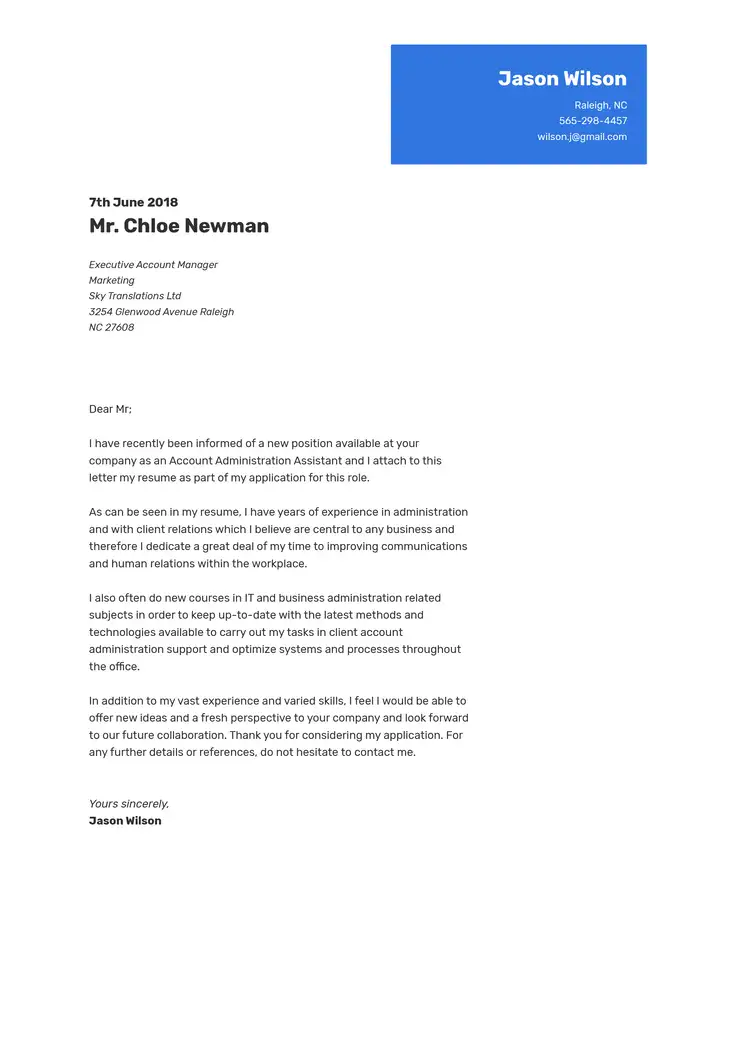
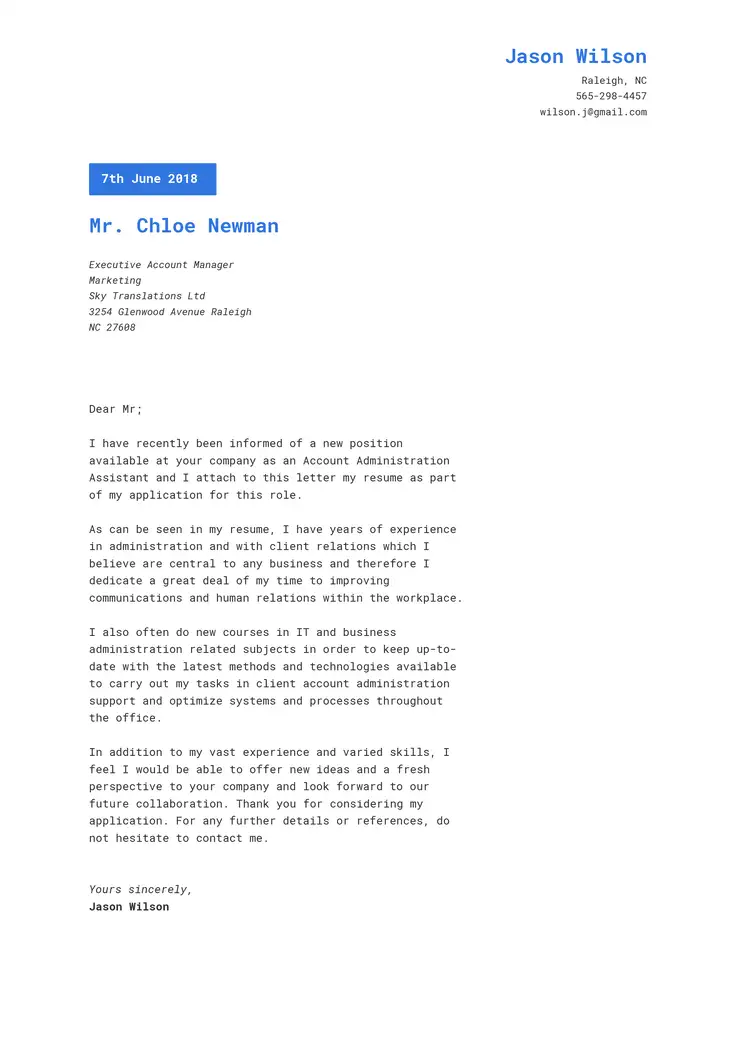
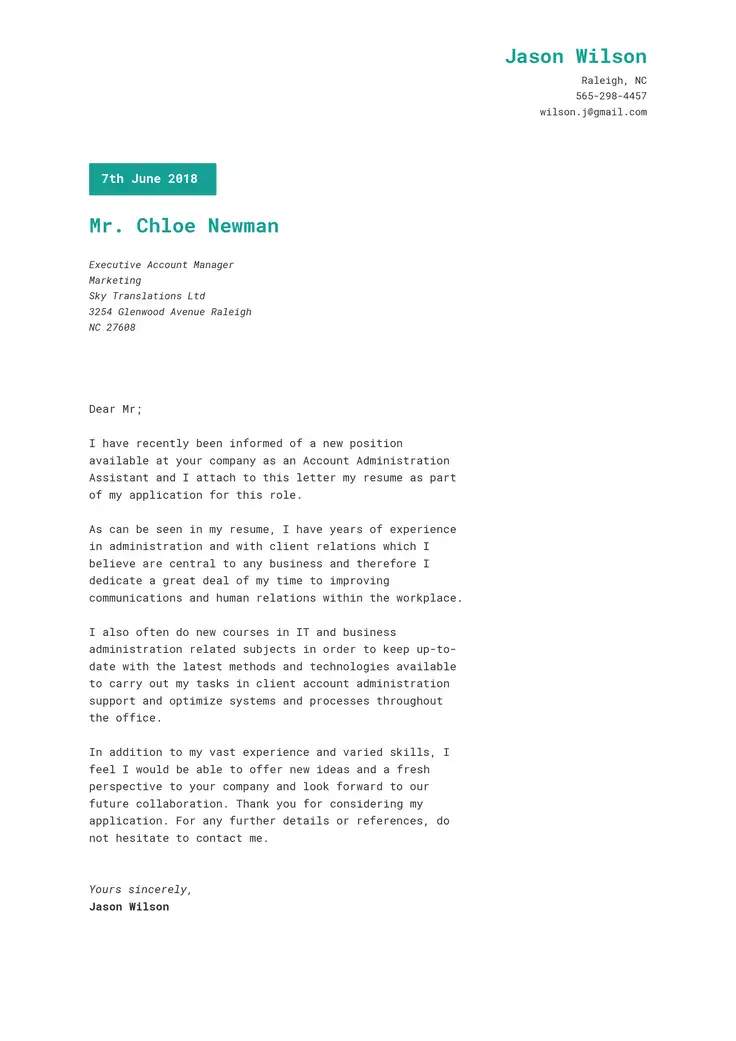
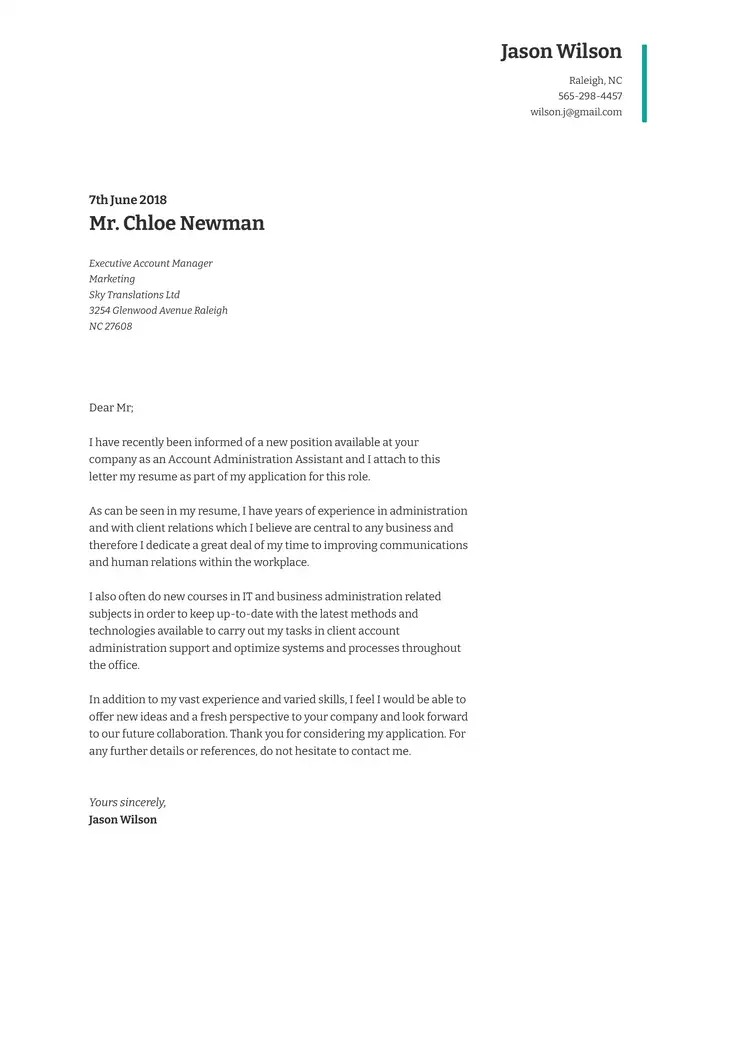
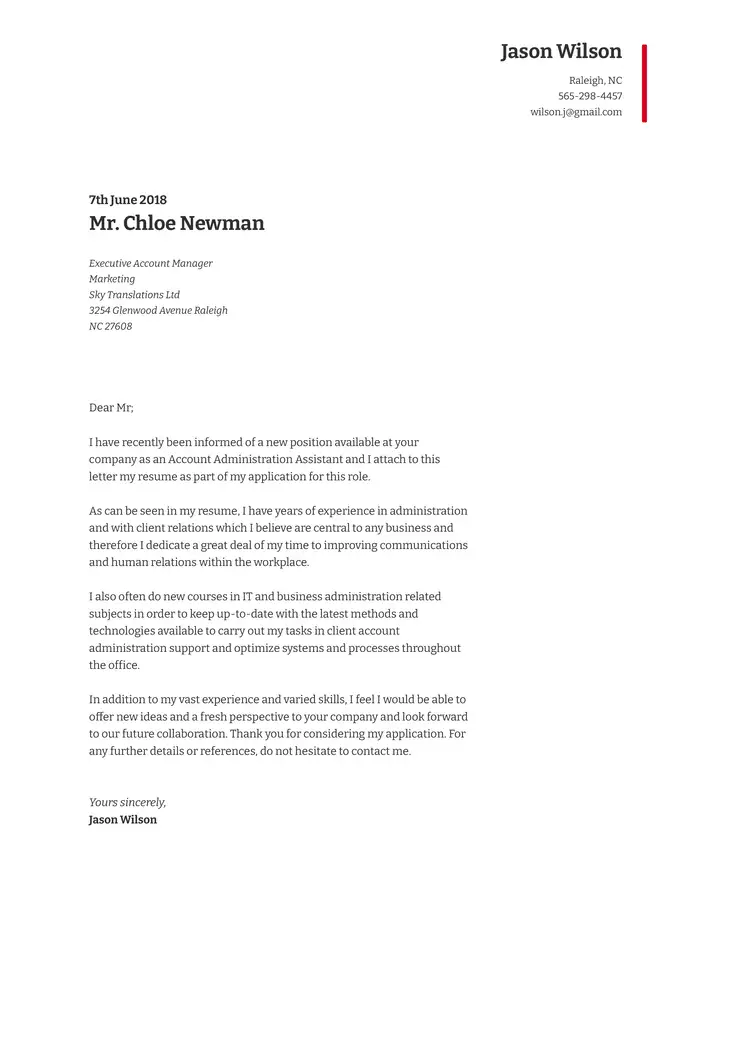
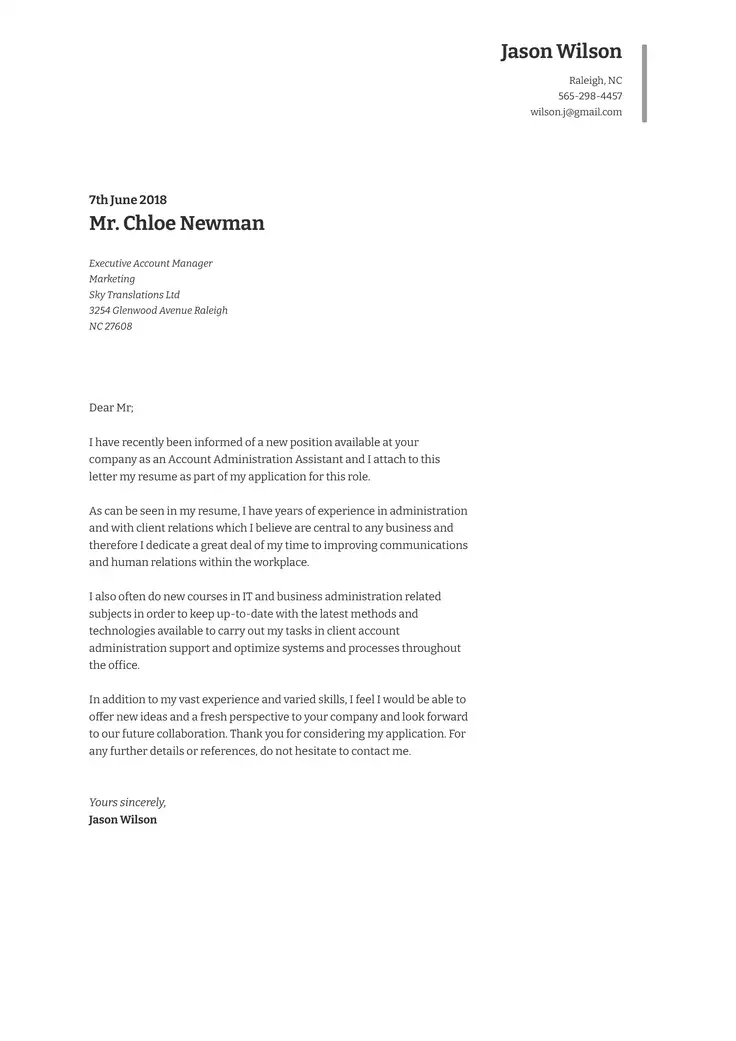
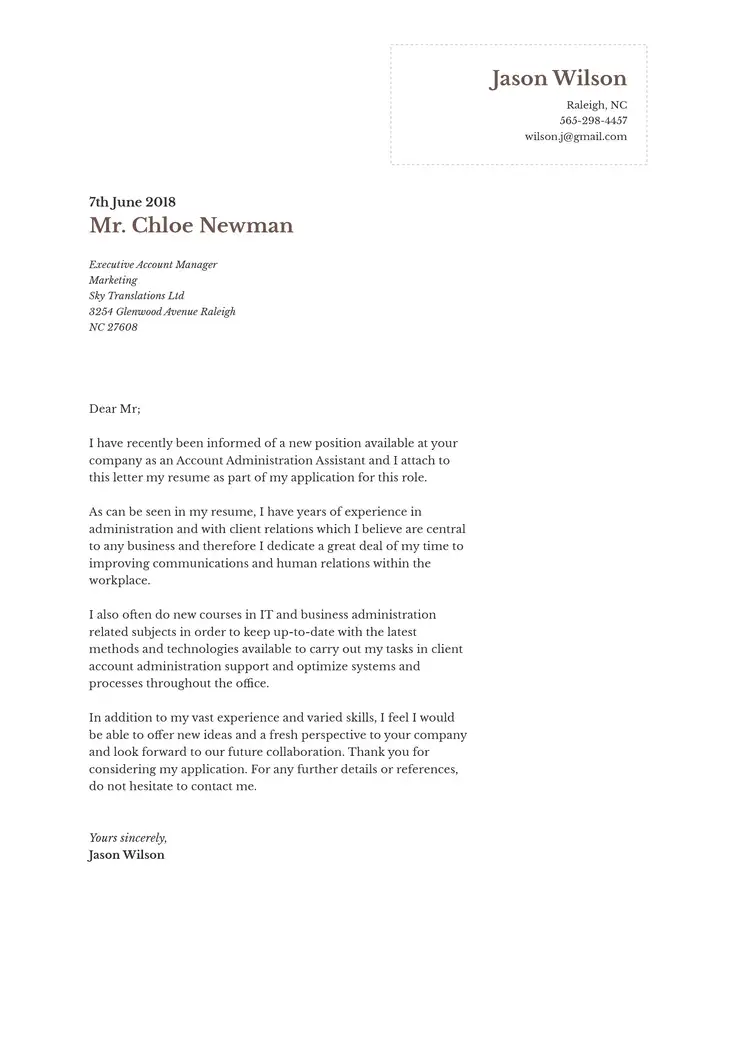
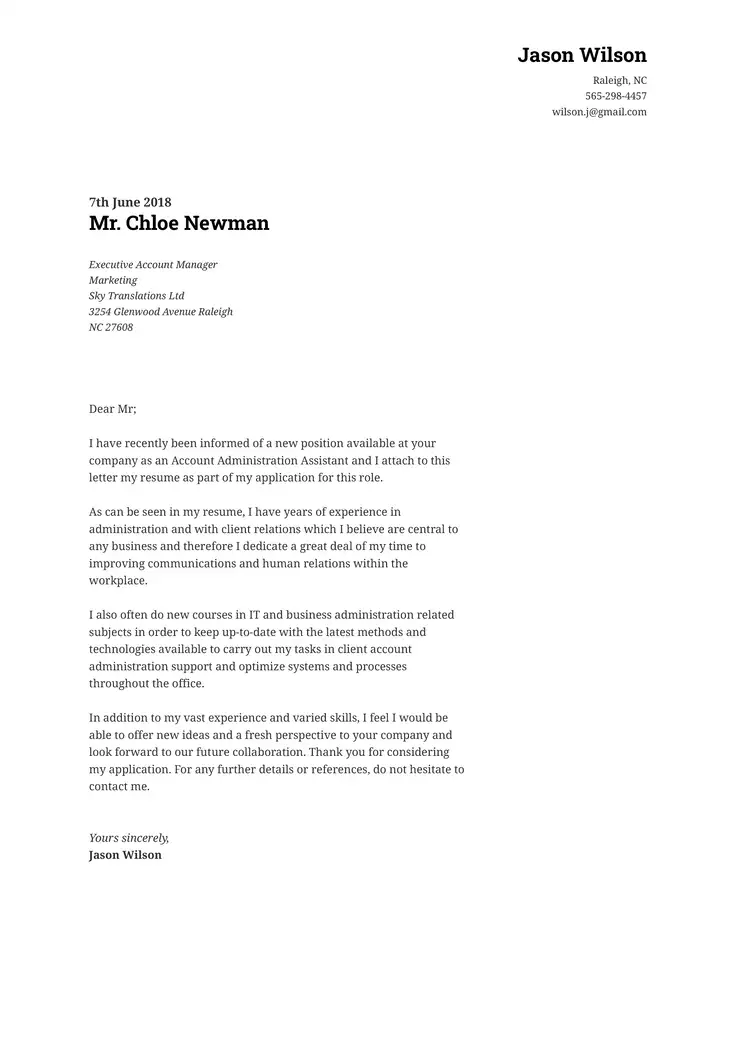
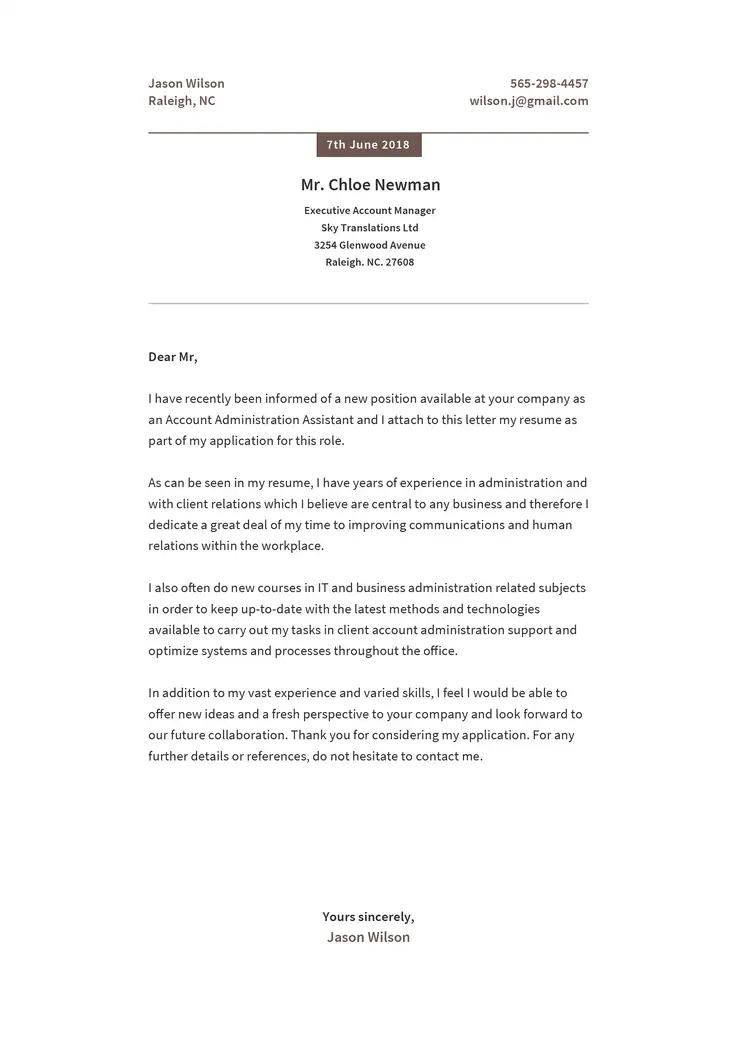
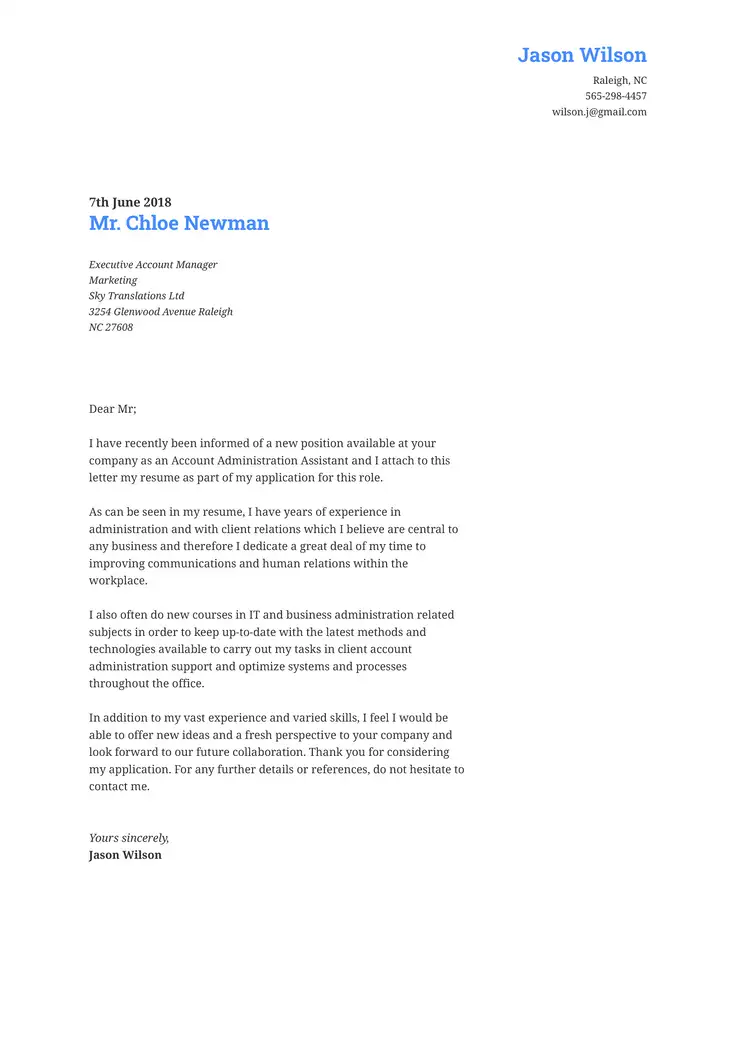
When you feel like you’ve found the perfect job match, making sure your cover letter flows from start to finish is key when an employer asks for one. You need an opening that grabs attention, a body that makes your experience and skills obvious, and a strong ending.
In this guide, you’ll learn the cover letter format you should follow to ensure your letter includes all the right details when creating it with our AI cover letter generator.
Cover Letter Structure: Date, Header, Opening, and More
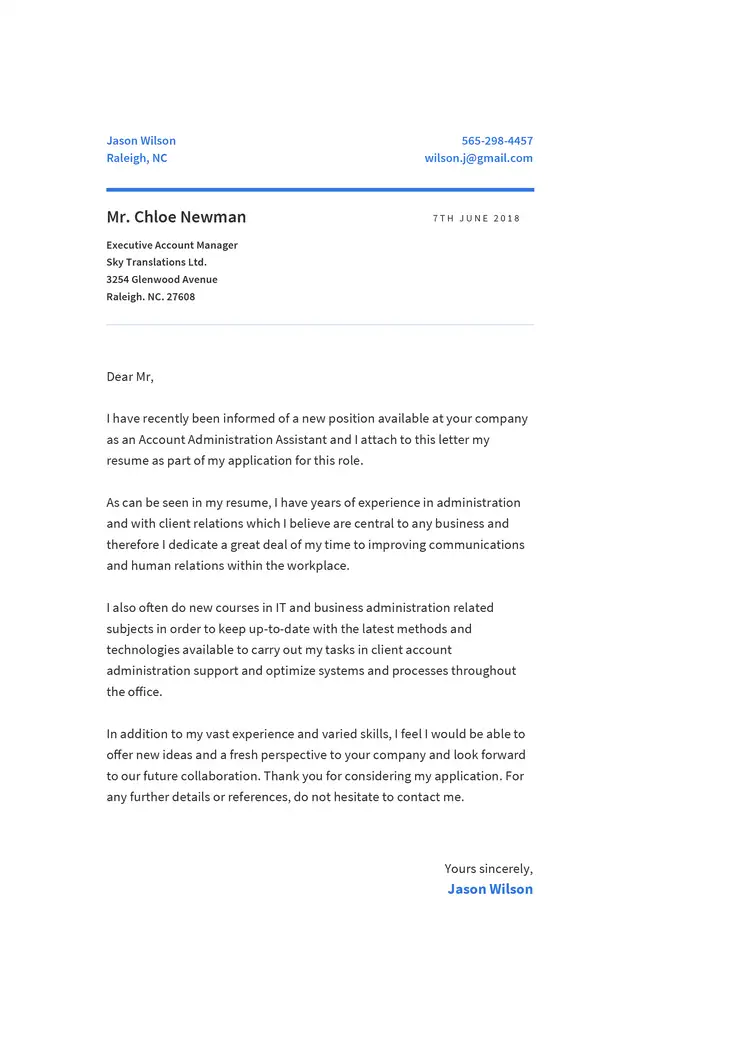
A well-formatted cover letter layout follows a clear structure that helps hiring managers quickly find your most relevant information.
| Element | What it is |
|---|---|
| Header | The section at the top of your cover letter that identifies you and provides your contact details. |
| Date | The date on which you send or submit your cover letter. |
| Recipient | The person and organization to whom your cover letter is addressed. |
| Salutation | The professional greeting that addresses the hiring manager or another recipient. |
| Opening | The first paragraph, which introduces your application and makes an initial impression. |
| Body | The main paragraphs that connect your qualifications and experience to the role. |
| Closing | The final paragraph, which wraps up your letter and reinforces your interest. |
| Signature | The professional sign-off and your name at the end of the letter. |
How to Format a Cover Letter, Part by Part
The format of your letter should include the key elements of the date, signature, recipient, and more. Follow the list below to understand the outline you should follow.
Once you understand the correct cover letter outline, you can begin to write your letter.
Cover letter header
Place your name and contact details at the top. List your phone number, email address, and city and state.
Jordan Lee
Chicago, IL
(312) 555-0142
jordan.lee@email.com
Date on cover letter
When you write the cover letter date, you should leave a space after your header and write the full date, with the month before the day and year.
October 30, 2026
Recipient
Leave a space after the date, then list the recipient’s name and job title, followed by the company name and mailing address.
Morgan Davis
Hiring Manager
Westwood Marketing
123 Main Street
Chicago, IL 60601
Salutation
Leave a space after the recipient’s details. Address the hiring manager by name, followed by a colon or comma.
Dear Ms. Davis:
Opening
Start a new paragraph after the salutation. Remember to keep it brief, introducing the position and your interest in the role.
Body
Use one or two short paragraphs to present your relevant skills and experience and leave a blank line between paragraphs.
Closing
End the letter with a short paragraph expressing your interest in an interview and thanking the reader for their time.
Signature
To correctly sign your cover letter, leave a blank line after the closing paragraph. Add a professional sign-off, followed by your full name.
For more information on how to write a cover letter, read our cover letter writing guide.
Format Your Cover Letter Perfectly With ResumeCoach’s AI Cover Letter Generator
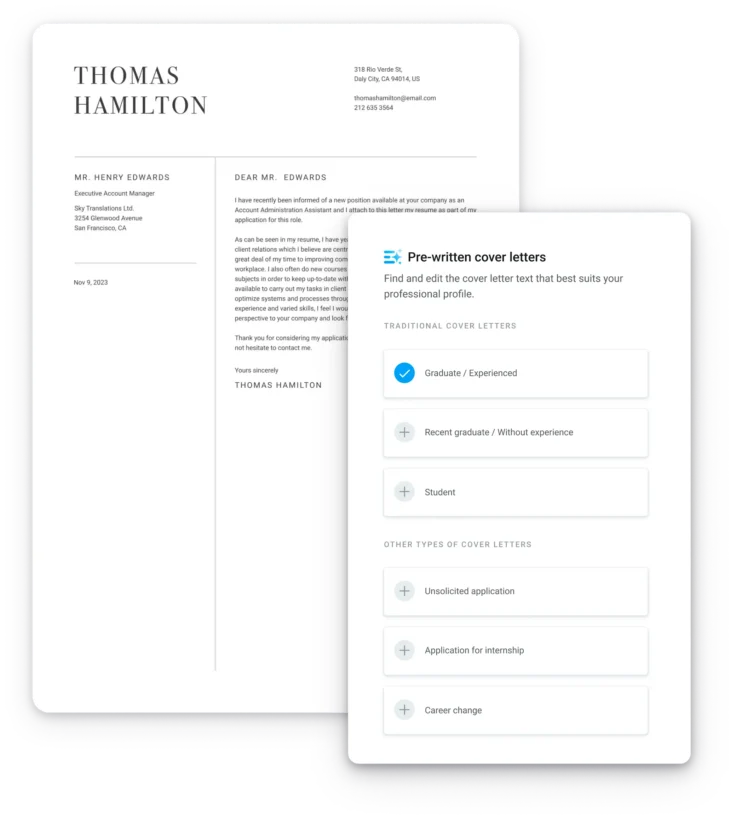
Use ResumeCoach’s AI cover letter generator to instantly write a perfectly formatted cover letter that highlights your strongest qualities.
Simply follow the steps below:
- Add your job title and the company you are applying to
- Include the hiring manager’s name and industry.
- Get a list of skills instantly with our AI generator
- Include your contact details.
- Select the template
- Generate and download your letter
Email Cover Letter Format, PDF, and Online Portals
When sending your cover letter as an email, how you contact the employer will depend on the format you are sending the letter in. Check out the table below to understand how you should format your letter when sending it by email.
| Submission method | How to format your cover letter |
|---|---|
| Email body | Add the job title and your name to the subject line. Start with a greeting, followed by the rest of the letter’s main sections and signature. |
| PDF attachment | Use the standard letter format, including your header, date, recipient details, salutation, paragraphs, and signature. Choose a clear filename, such as Jordan-Lee-Cover-Letter.pdf. |
| Online portal | Upload the requested file format or paste your letter into the text box. For text boxes, use plain text, check spacing, and follow any character limit. |
Cover Letter Format Example
See how a complete example should look from header to signature by reviewing the cover letter sample below.
Header
John Lee
[City, State]
(555) 555-0123
john.lee@example.com
Date
October 30, 2026
Recipient
Hiring Manager
[School Name]
[School Address]
[City, State ZIP Code]
Salutation
Dear Hiring Manager:
Opening
I am writing to apply for the elementary school teacher position at [School Name]. With five years of classroom experience, I am excited to help your students learn and grow.
Body
In my current role, I plan lessons that support students with different learning needs. I use individual and group activities to encourage participation and regularly assess progress to adjust my instruction.
I also work closely with families and colleagues to create a supportive classroom. For example, I introduced a weekly reading routine that helped students build confidence when discussing books.
Closing
I would welcome the opportunity to discuss how my teaching experience could support your students. Thank you for your time and consideration.
Signature
Sincerely,
John Lee
Cover Letter Format FAQs
Get more answers to common questions below regarding cover letter layouts.
Put the date below your contact information and above the recipient’s details, leaving a blank line on each side, and make sure to write it in full, for example, October 30, 2026.
Use the hiring manager’s name if you can find it in the job posting or on the company website. If you cannot find a name, use a professional greeting such as “Dear Hiring Manager.”
Physical mailing addresses are optional for most online applications unless the employer requests them. You can include your city and state in the header and omit the employer’s street address.
If you are going to send your letter in a Word doc, use a readable font in 10–12 point size, one-inch margins, and left-aligned text. Keep paragraphs single-spaced with a blank line between them, and save the file in the requested format.
The basic structure stays the same across industries, but the design can be different. A traditional layout suits most roles and should highlight keywords, while creative positions may allow subtle design choices that reflect your professional style.
When you add your cover letter in the body of your email or as an attachment, it’s not too different from the standard format. Also, remember to list the job title and your name in the subject line of the email so the employer knows exactly who it came from.
In the body of your email, use a salutation, short paragraphs, and a professional sign-off followed by your name and contact details.
Trouble getting your Cover Letter started?
Beat the blank page with expert help.