

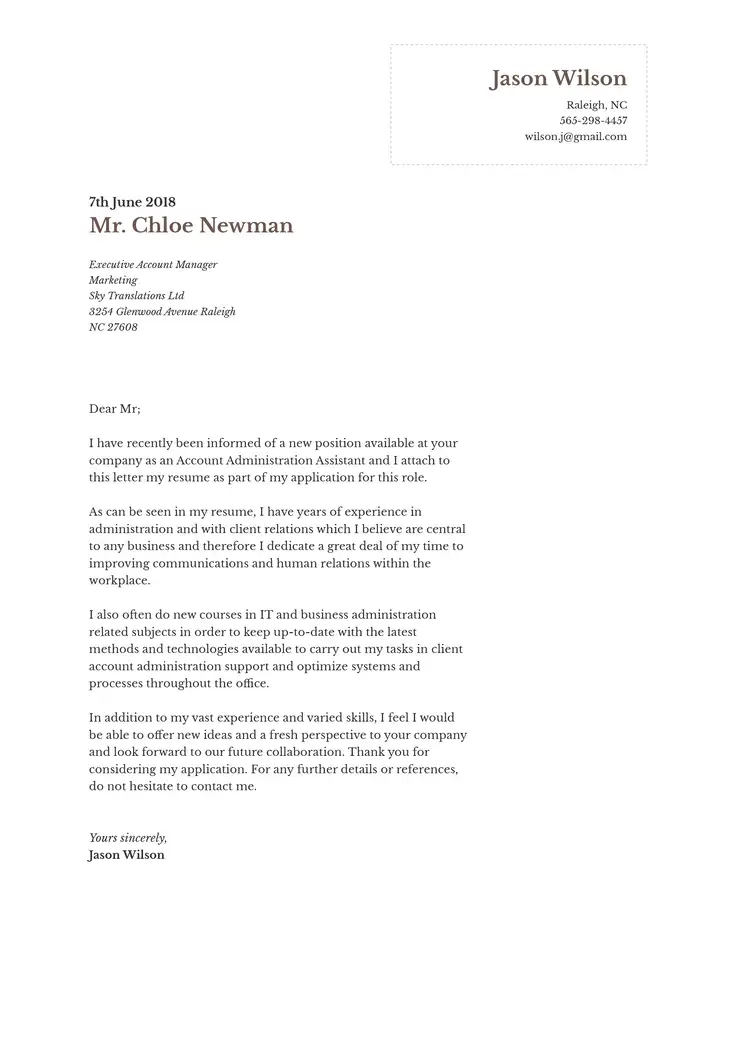
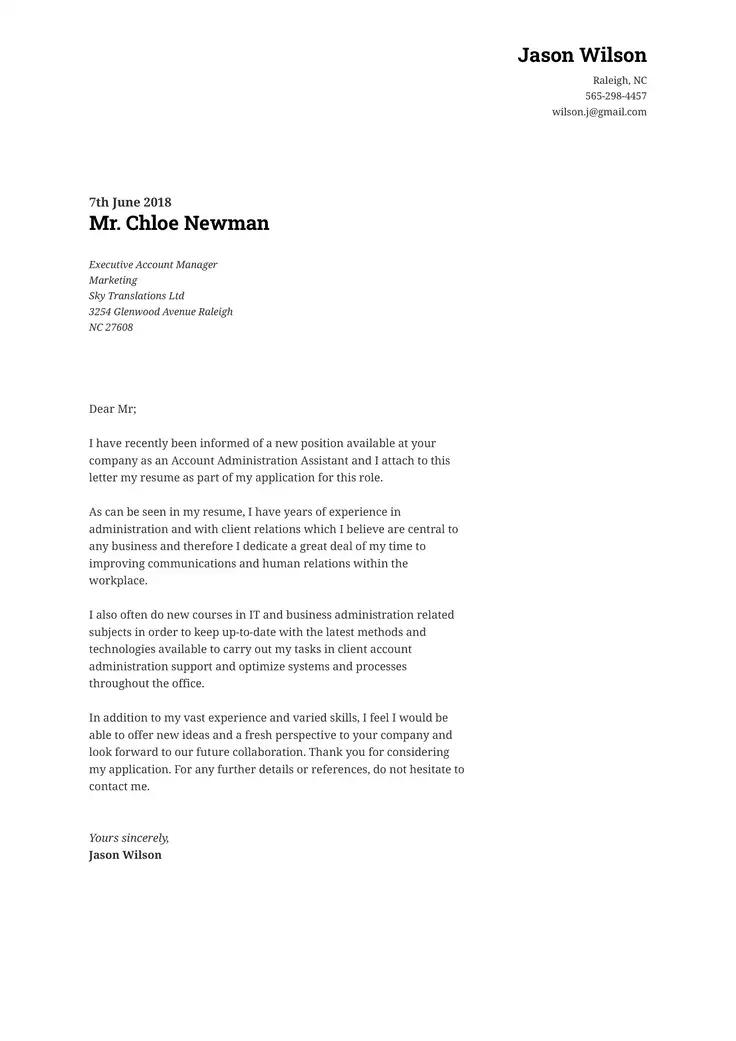
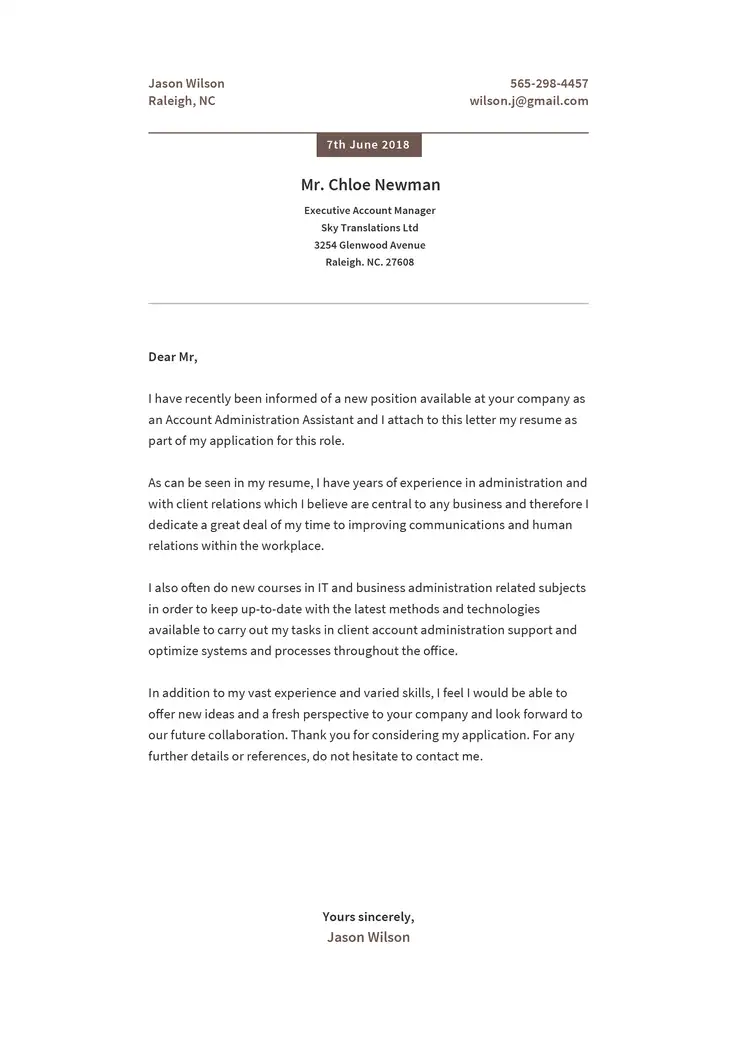
Every resume or job application should have a cover letter. In turn, every cover letter should contain a signature. But in today’s digital world, signatures don’t always look the same.
ResumeCoach’s cover letter builder has templates and an AI assistant to make writing your cover letter easy. When the body of your letter is complete, you can use this guide to sign off your cover letter in an informative and professional way.
How To Sign Off a Cover Letter
Cover letters give you the opportunity to create a good first impression with your hiring manager. Your closing signature is your final chance to shape that impression.
The first step in a strong sign-off is choosing the closing phrase that comes before your signature. The following phrases are friendly, respectful, and professional:
- Sincerely
- Best regards
- Yours truly
- Respectfully
- Thank you
Avoid casual closings like “cheers” or “take care.” Also note the proper formatting for the closing: type it on a new line after the last paragraph of the letter. Include a comma after the closing phrase.
What To Include in a Cover Letter Signature
Your signature block comes after the closing phrase. It should include the following:
- Your full name
- Your email address
- Your phone number
- Optionally, your mailing address, LinkedIn URL, or other relevant professional website
If you’ll be printing your letter, leave three blank lines between the closing phrase and your name so that you can fit a handwritten signature. If submitting as an email, skipping one line is sufficient.
How To Add a Signature to a Cover Letter
The way you sign your cover letter depends on how you are sending it. Below, consider the four most common submission methods.
| Format | Signature |
|---|---|
| Printed | Leave 2-3 blank lines after your closing, sign by hand in blue or black ink, and type your full name underneath. |
| Leave one blank line between the closing and signature block with your name and contact information. | |
| PDF attachment | Many PDF applications allow you to digitally sign documents with a mouse, touchscreen, or signature pad. Otherwise, treat it as an email. |
| Online portal (ATS) | Follow the prompts. Use email style or e-sign and enter contact information in a separate text box. |
How to sign an email cover letter
If submitting your resume and cover letter by email, type your closing phrase, then hit “Enter” twice to skip one line. Type your full name.
Then, include your contact information. Always include your email address and phone number. There’s no need to add extra space between your name and contact details.
You can also include relevant links like your LinkedIn profile, a portfolio link, or a professional website.
How to sign a paper cover letter
For a printed, hard-copy closing, the format changes slightly. After the closing phrase, hit “Enter” three times to leave 0.5 to 1 inch of space, then type your name and contact details.
Always include your email address and phone number. It’s also good to include your mailing address on a physical letter.
After printing your letter, use the extra space to sign your name in blue or black ink. Write in cursive if possible. Don’t worry if it’s hard to read; that’s why your name is also typed below.
Signing a cover letter for an online job application
When submitting via an Applicant Tracking System (ATS), you’ll usually upload your documents online. This may mean uploading a PDF file or typing (or pasting) your letter into a text box.
In these cases, follow the same steps as an email. ATS struggle to process images, so avoid using embedded signatures or special fonts.
You may be asked to e-sign by typing your name in a separate text box. You may also be prompted to enter your contact details separately, but it is still okay to include them at the bottom of your letter.
Cover Letter Closing and Signature Examples
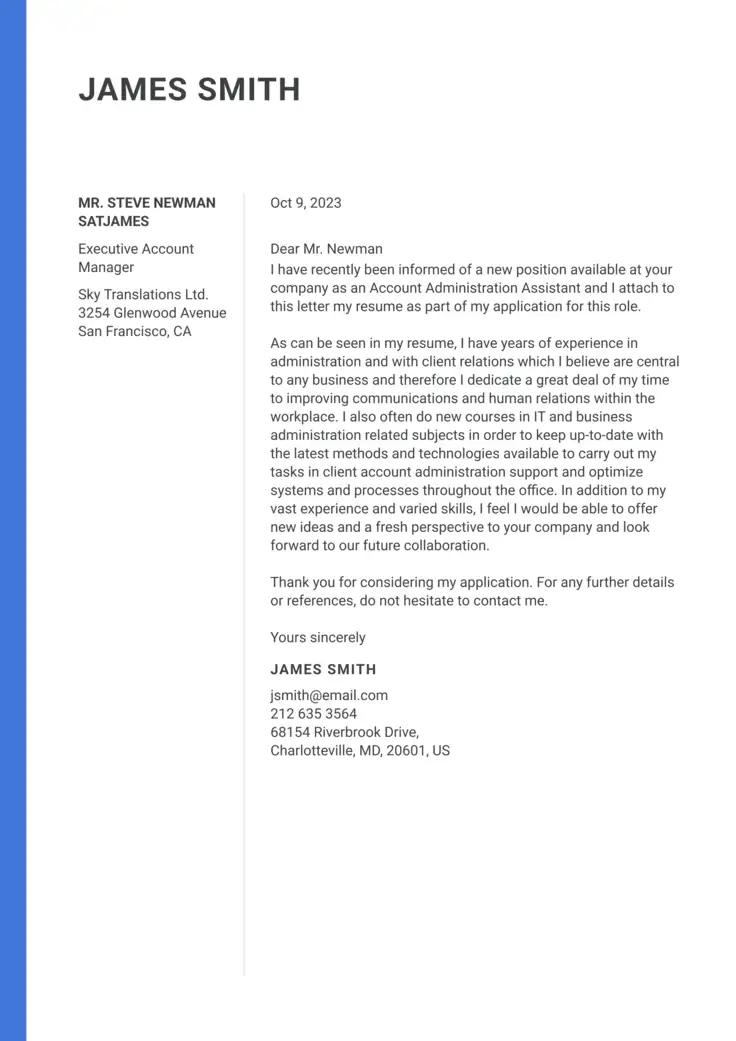
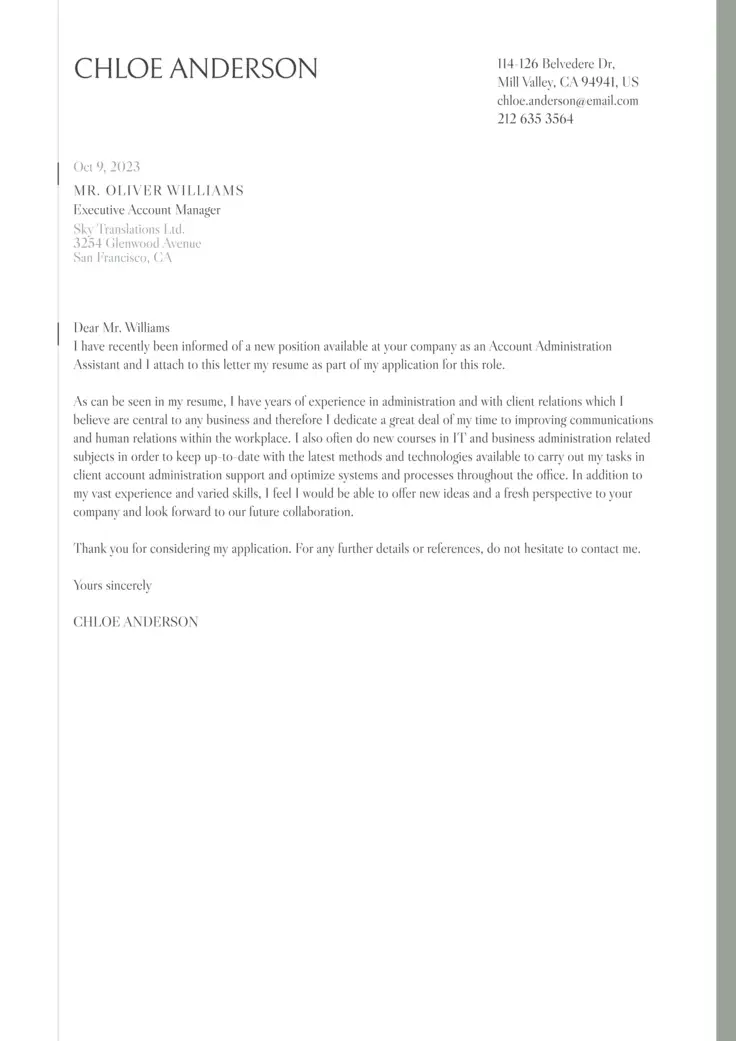
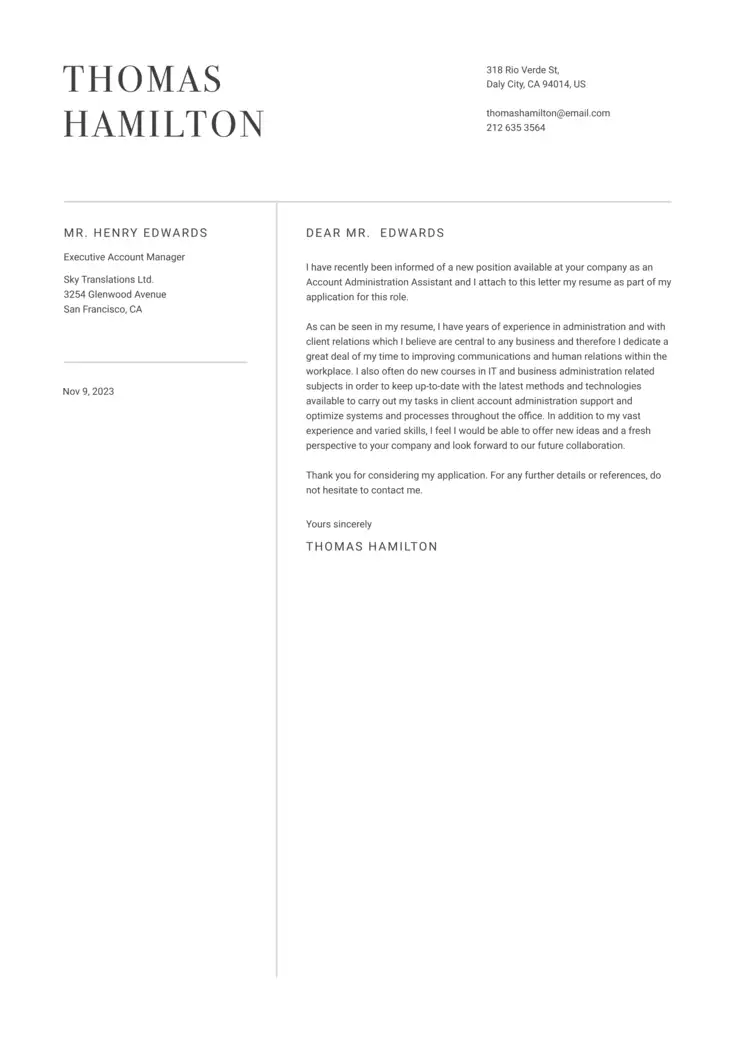
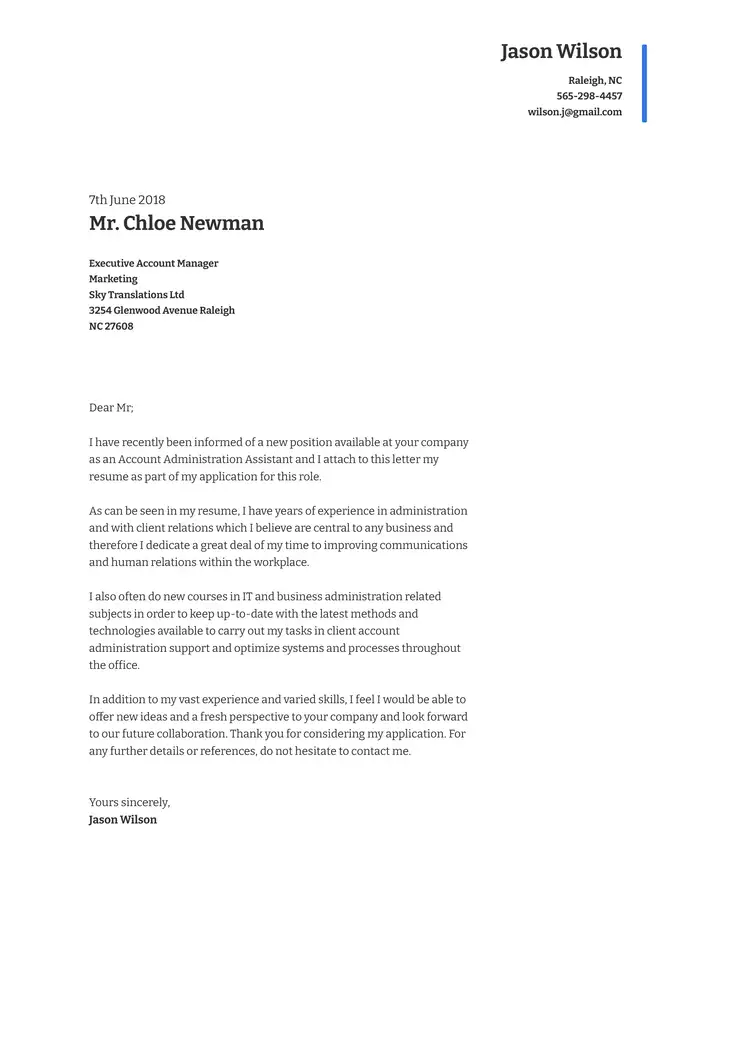
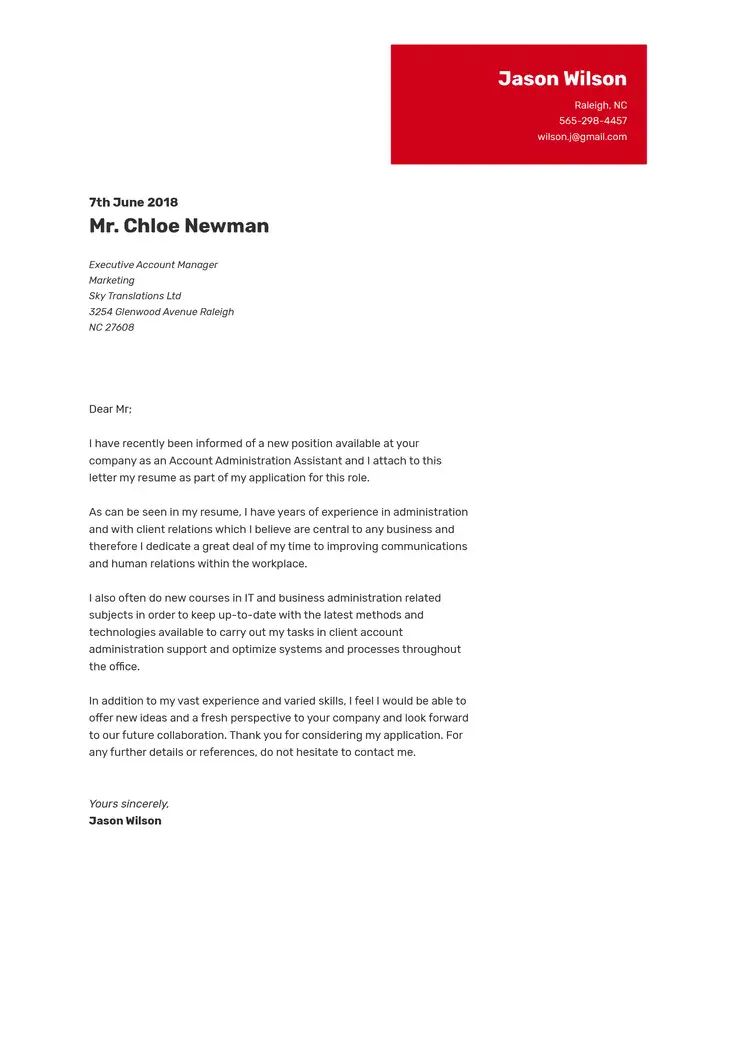
What should your email signature look like? Simple, informative, and without any fancy fonts or images. Consider the following examples for cover letters.
Sincerely yours,
Mary Washington
marywashington@emailaddress.com
709-976-5455
Best regards,
Mary Washington
Portland, Oregon, 97035
marywashington@emailaddress.com
709-976-5455
With thanks,
Mary Washington
17 Cherry Tree Lane, Portland, Oregon, 97035
marywashington@emailaddress.com
709-976-5455
www.linkedin.com/marywashington
www.personalwebsite.com
By applying the tips in this guide, you can bring your cover letter to a close. But if you still need help with the rest of your letter, check out our cover letter writing guide.
FAQs
End your cover letter with a closing phrase, appropriate spacing, your full name, and contact information.
Avoid overly familiar or casual closings, such as the following:
- Cheers
- Love
- Thanks
- Fondly
- Best wishes
- Yours
- Smiles
- Take it easy
- Take care
- Affectionately
Typically, your typed name is considered your signature. If emailing a PDF, you might include a handwritten signature, but avoid inserting images when uploading to an ATS.
If you want to add a personal touch to an emailed cover letter, you can add a digital version of your handwritten signature.
- Sign a sheet of white paper.
- Scan your signature with a scanner or smartphone scanner app.
- Crop the image.
- Upload it to your cover letter, between the closing phrase and your typed name.
Some software also allows you to draw your signature directly into the document using a mouse, trackpad, touchscreen, or stylus, so you can sign without uploading a scanned image.
Your signature is the primary part of the closing of the letter. The signature block—your name and contact information—should be the last part of your letter. If signing by hand, do so between the closing phrase and the signature block.
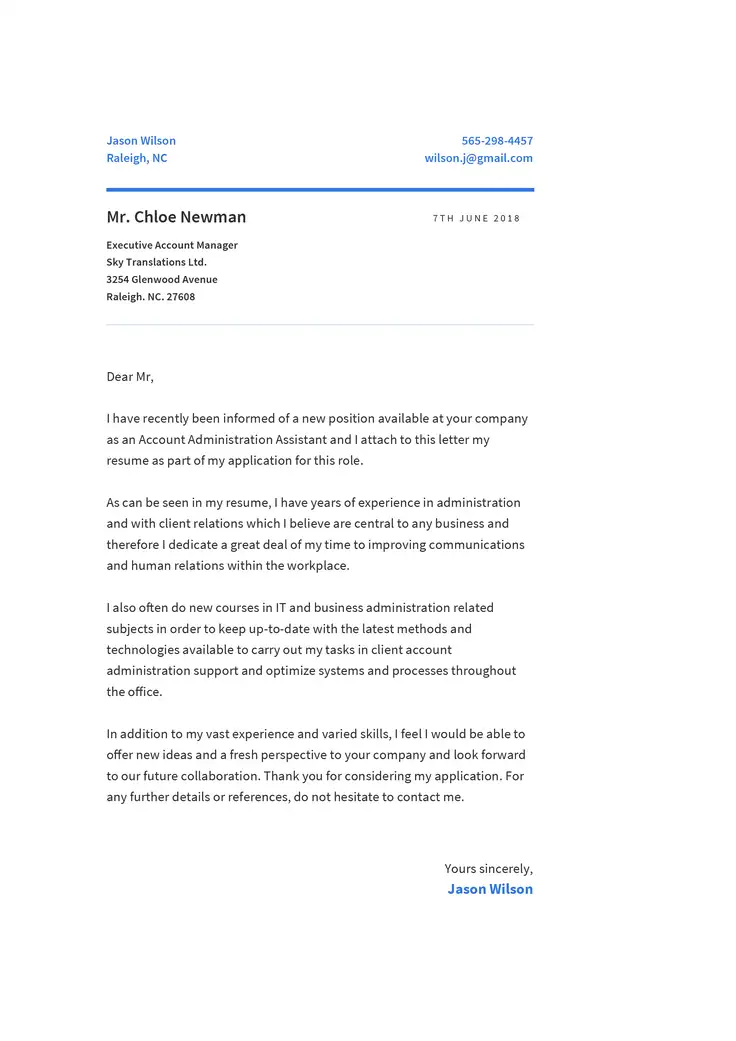
Write your cover letter
Introduce yourself to the recruiters using one of our professional templates.
Related Posts