
The Best Resume Format for 2026: Tips and Layout Guide
Your resume has six seconds to make an impression. Make them count. Learn how to format your resume strategically and catch the employer’s attention with the best resume layout.

Our customers have been hired by:





What Are the 3 Types of Resume Formats?
Choosing the right format is not just about aesthetics. It is more about strategy. Below, we’ll consider the 3 primary resume formats and how they can help shape how your employer views your unique background.
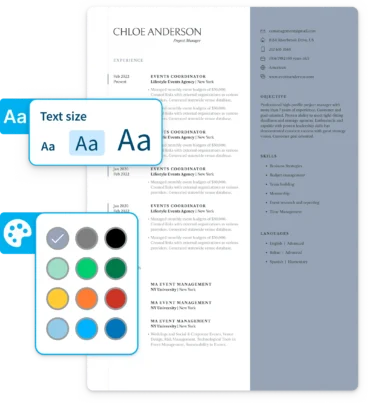
Resume formatting can be complex, but our AI-powered resume builder can help you find the layout that suits your needs. You can adapt the template of your choice to the type of resume that’s best for you.
| Format | Description | Who should use it |
|---|---|---|
| Reverse chronological resume | Experience listed in chronological order, beginning with the most recent | Anyone |
| Functional resume | Emphasizes skills and qualities; not necessarily in chronological order | Career changers, applicants with employment gaps, non-linear work history, or limited experience |
| Combination resume | Uses a chronological listing of work experience while still emphasizing skills | Technical fields, new-collar workers, career changers, professionals re-entering the workforce |
Resume Templates That Will Get You Hired in 2026!
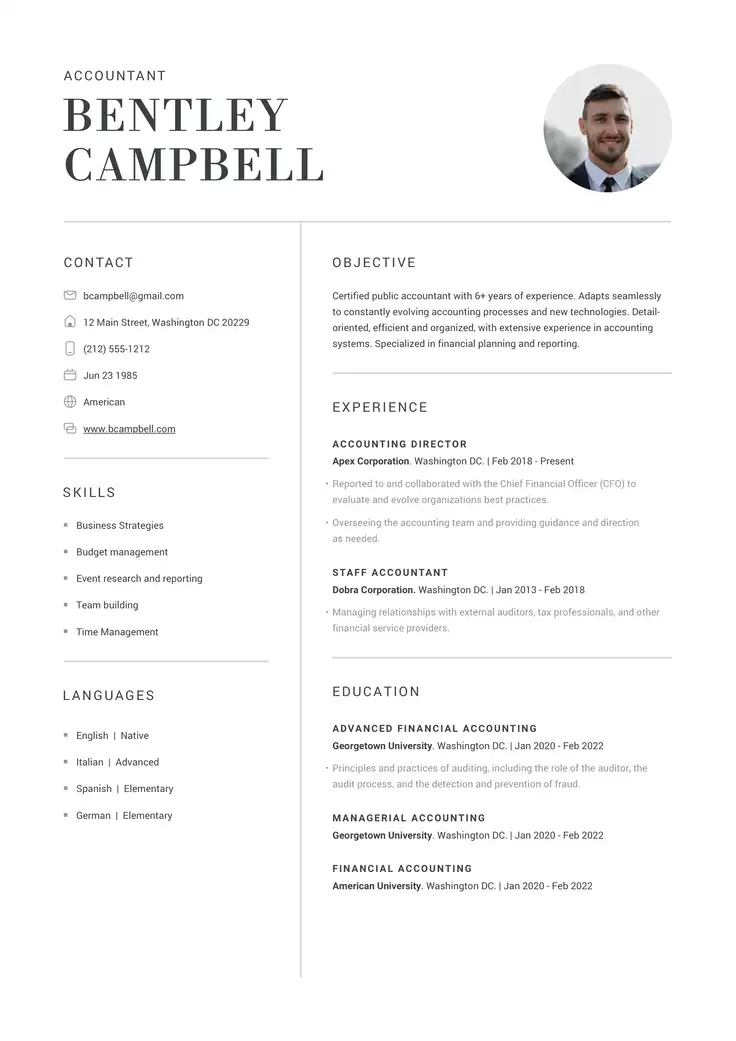
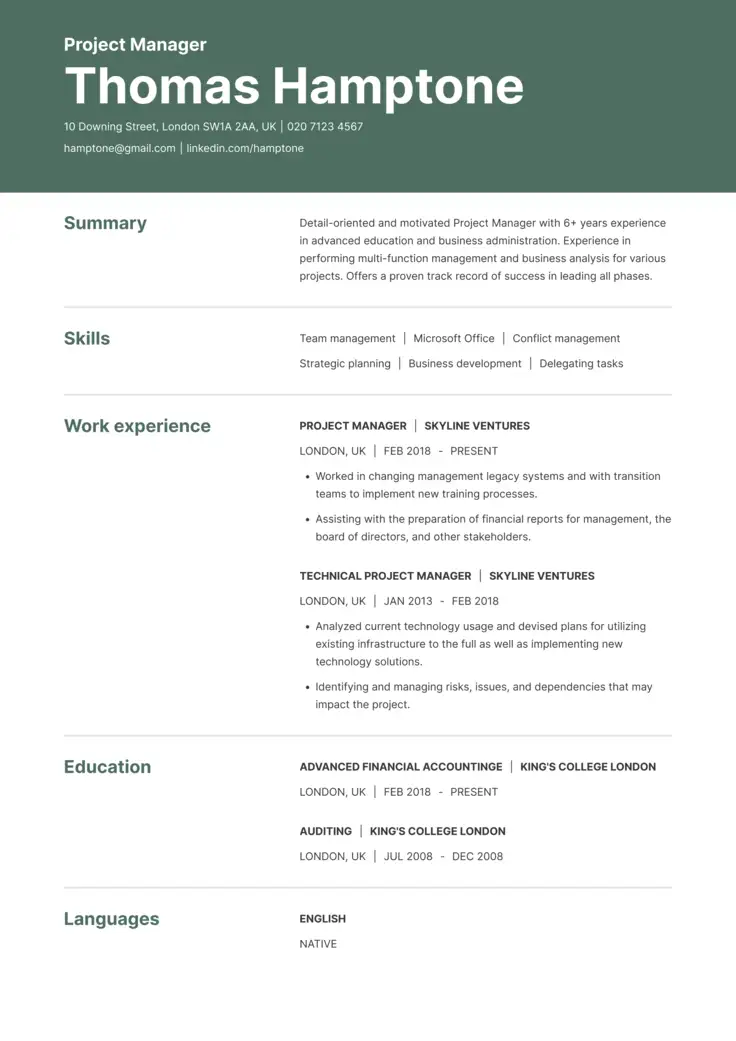
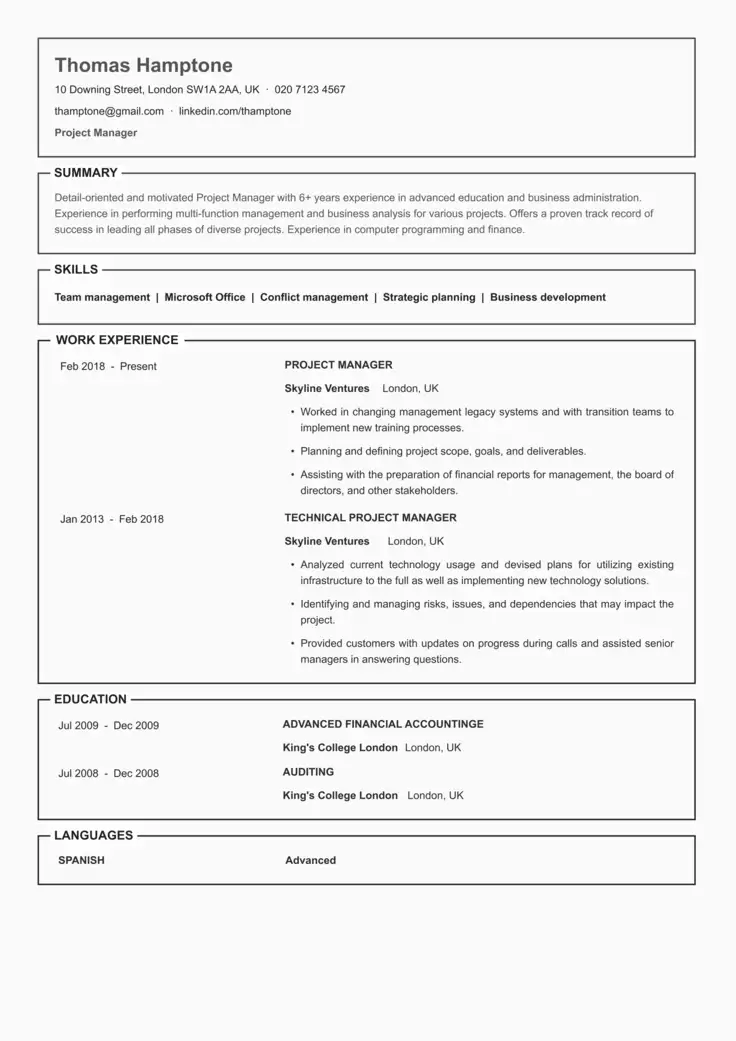
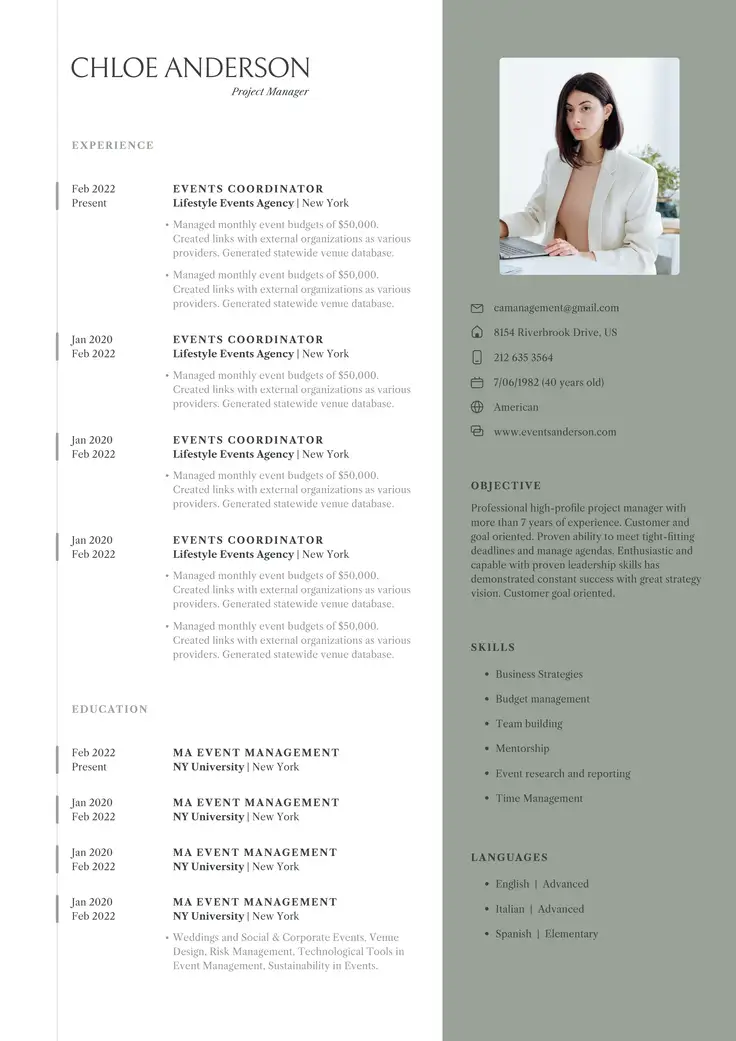
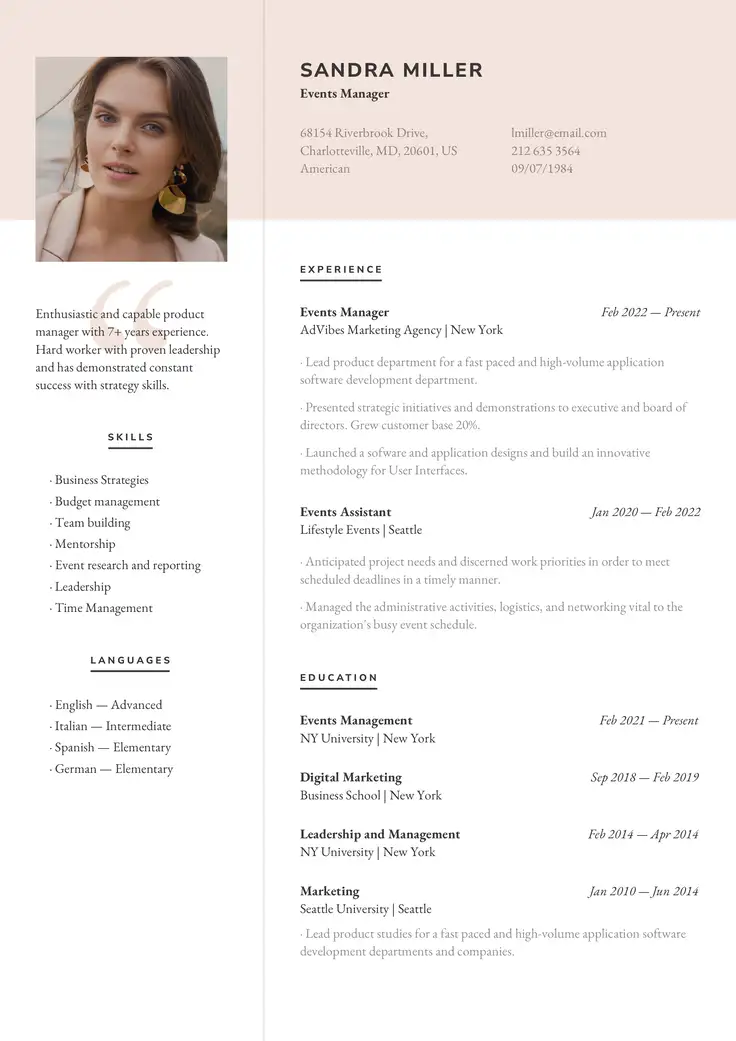
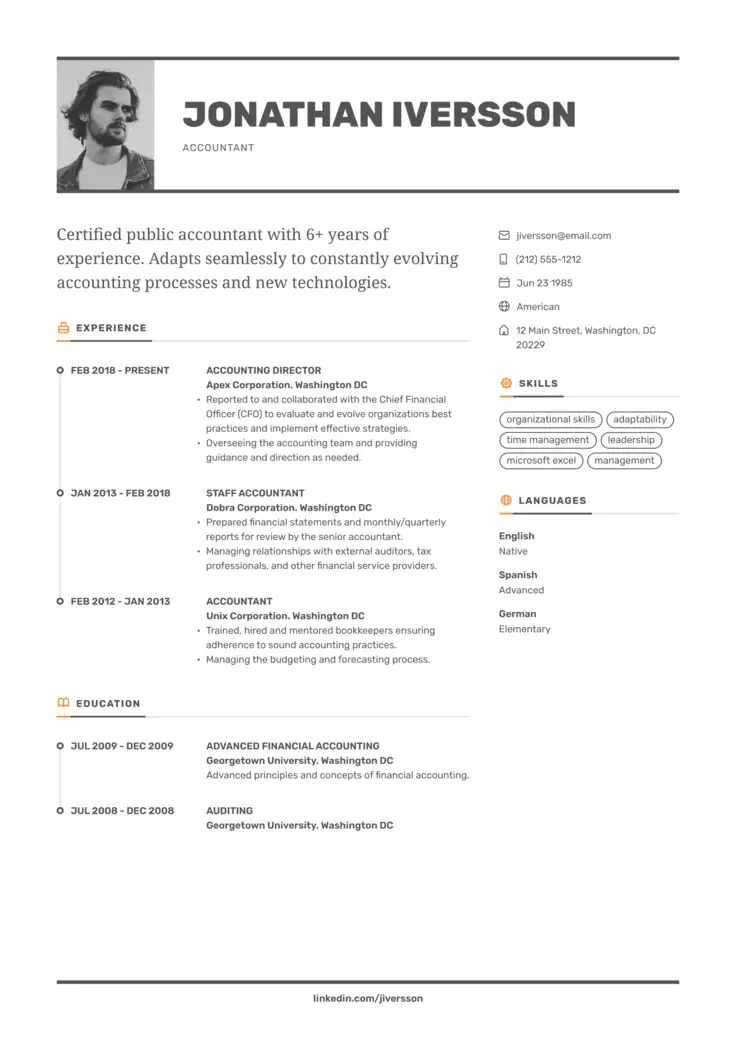
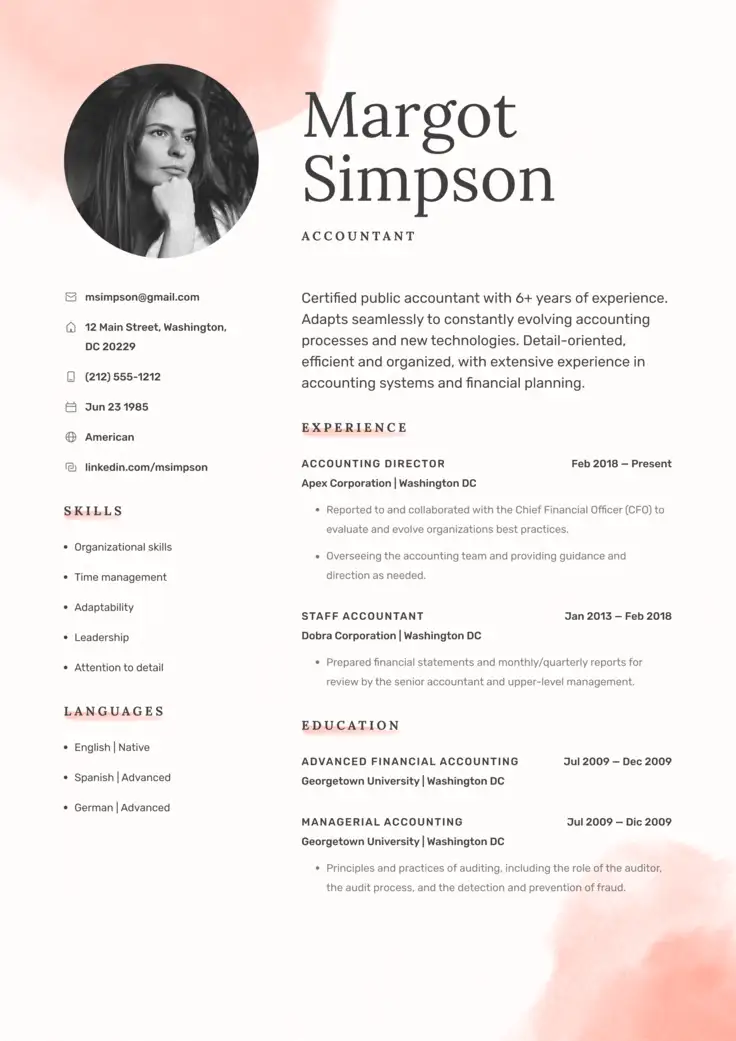
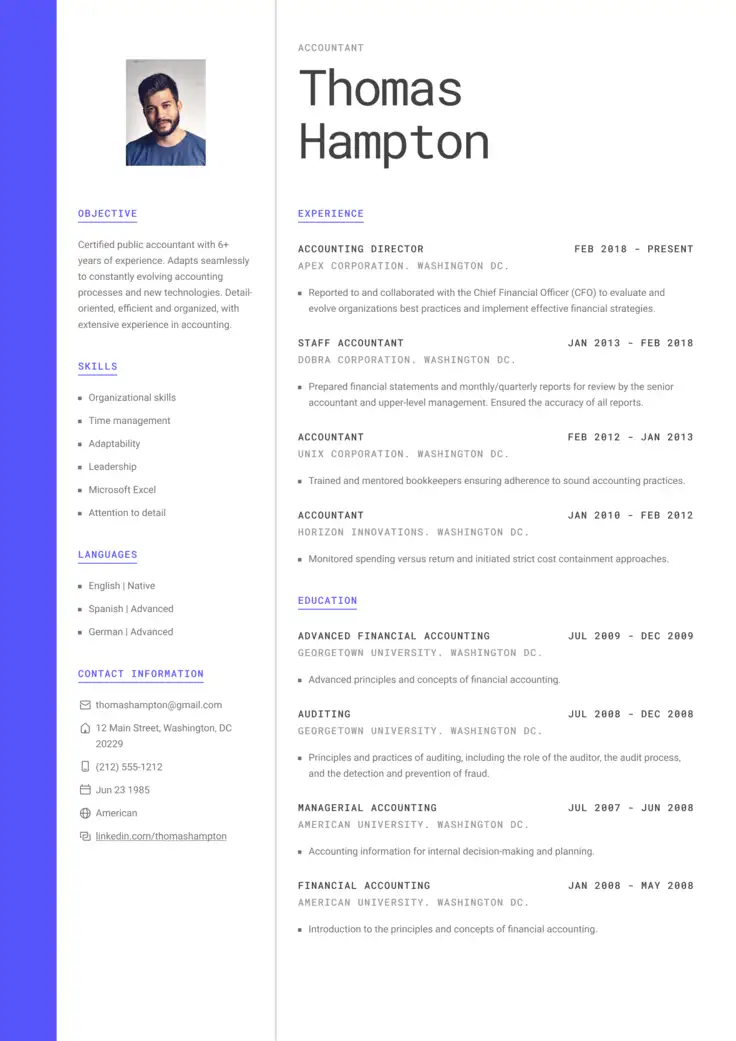
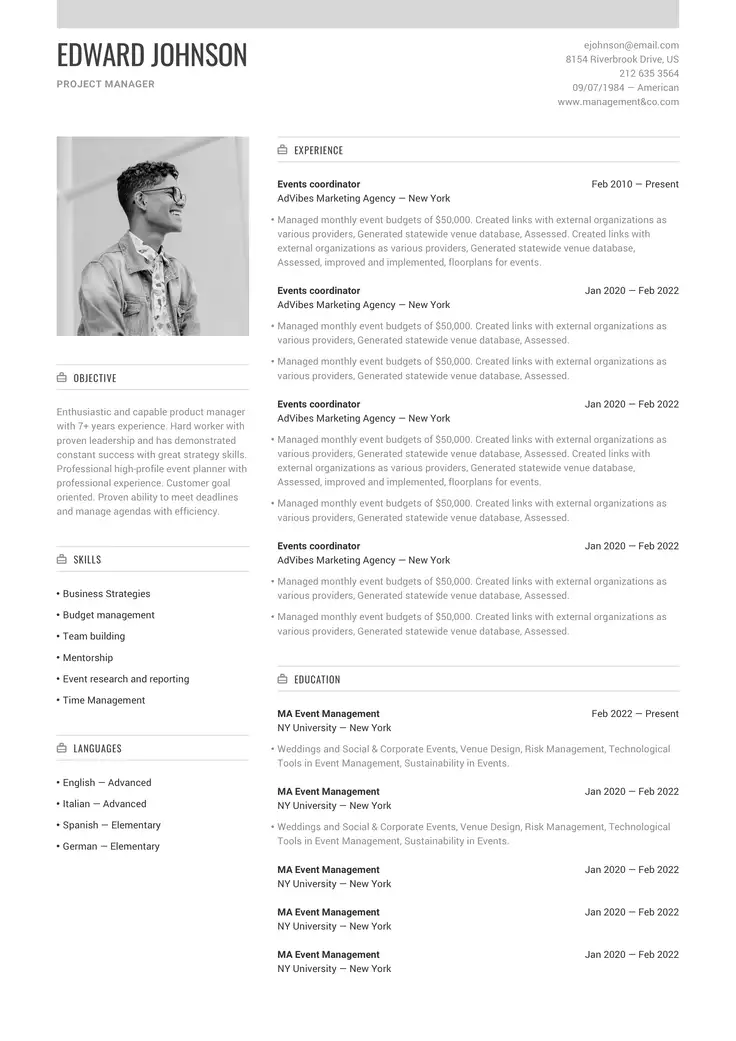
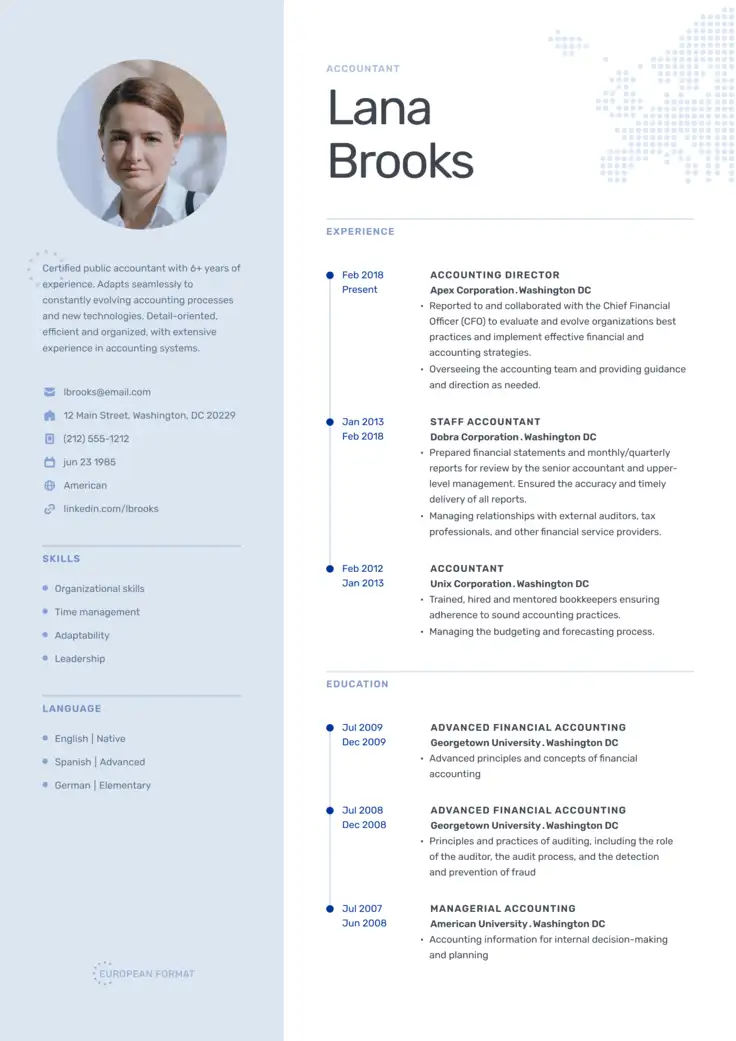
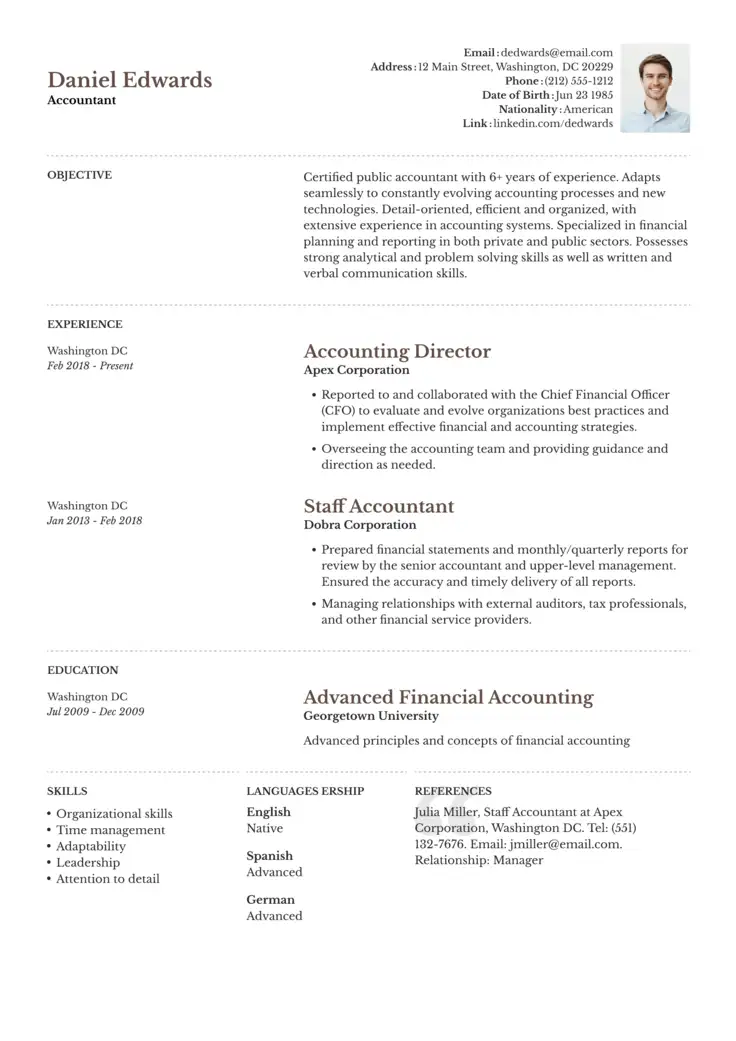
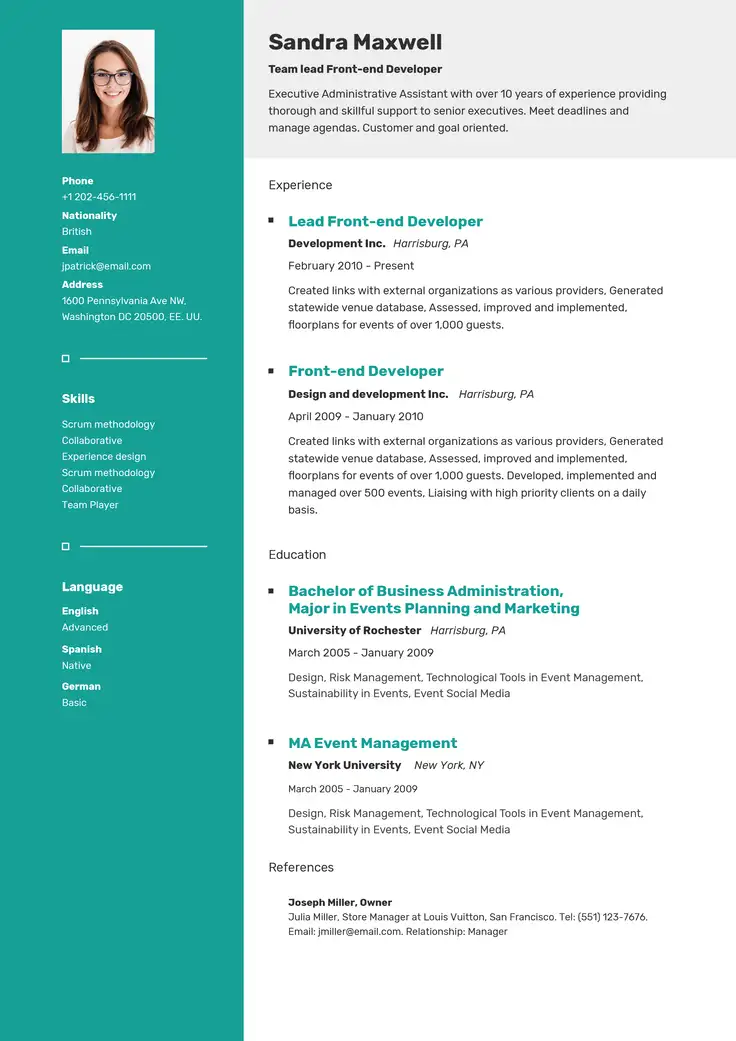
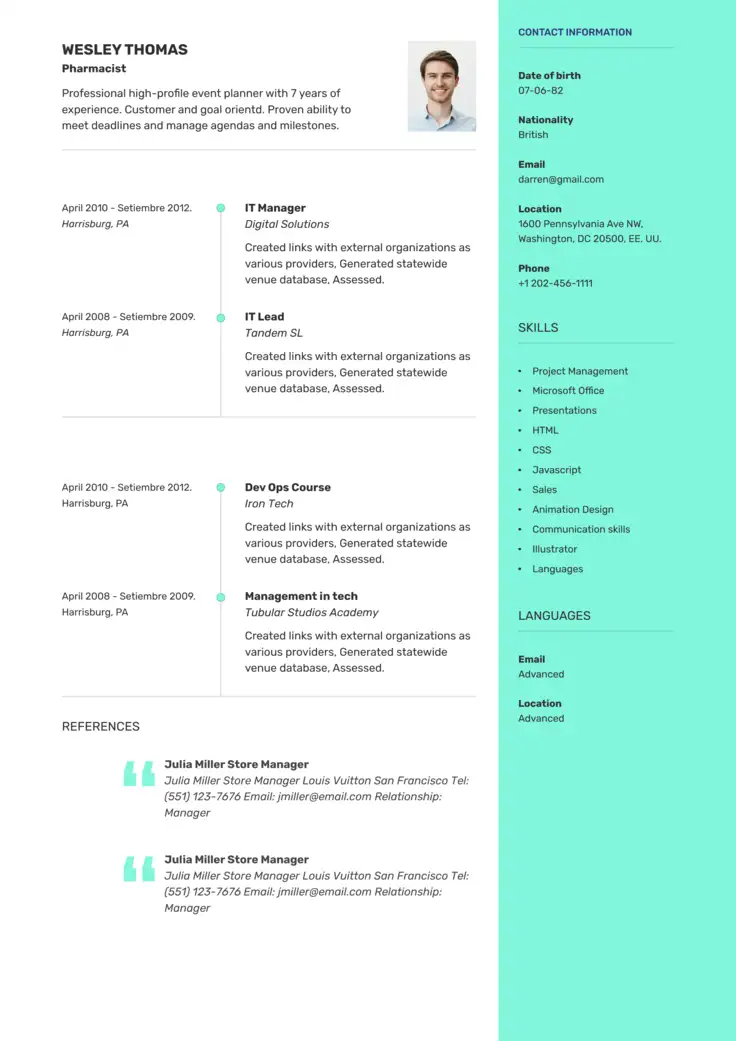
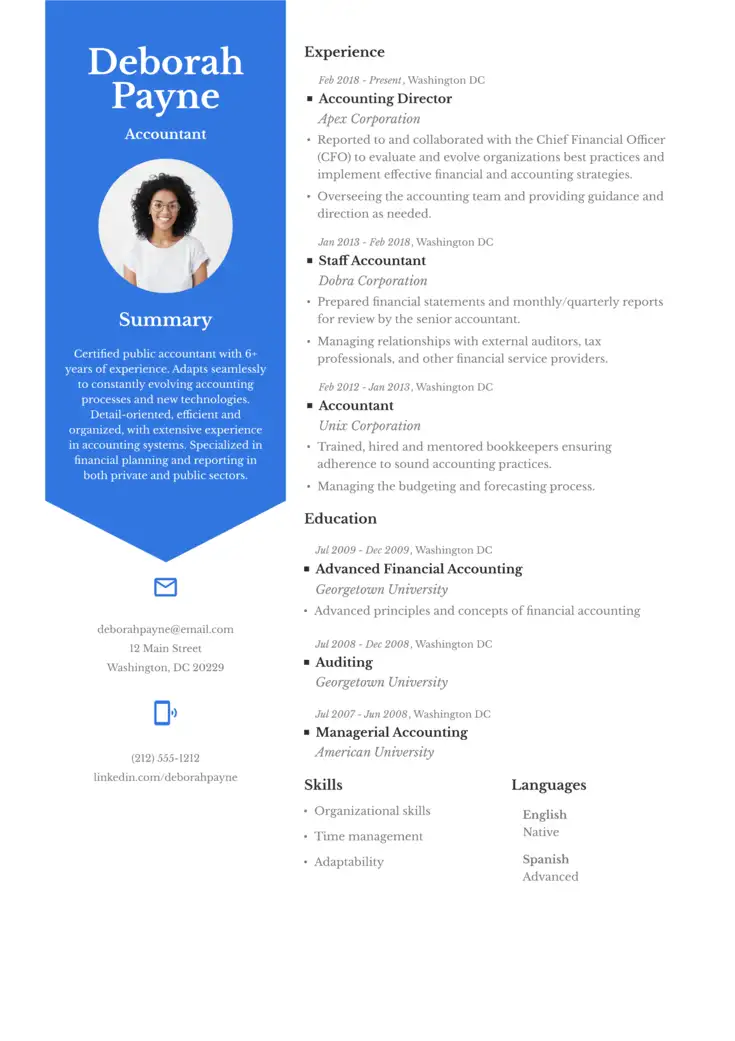
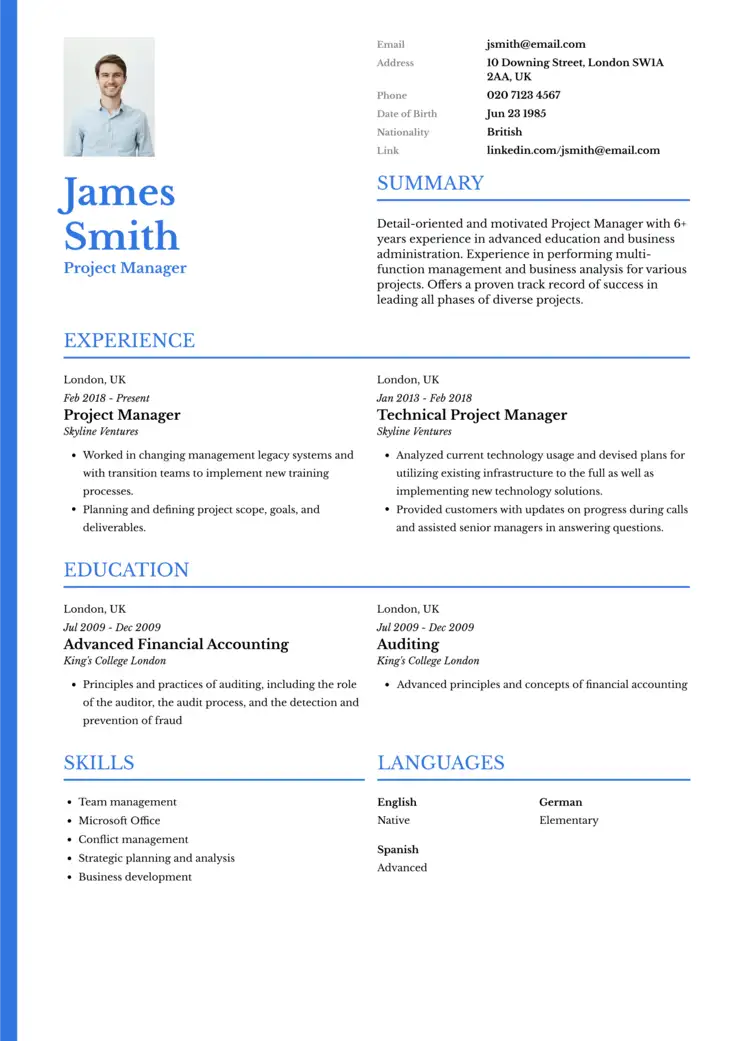
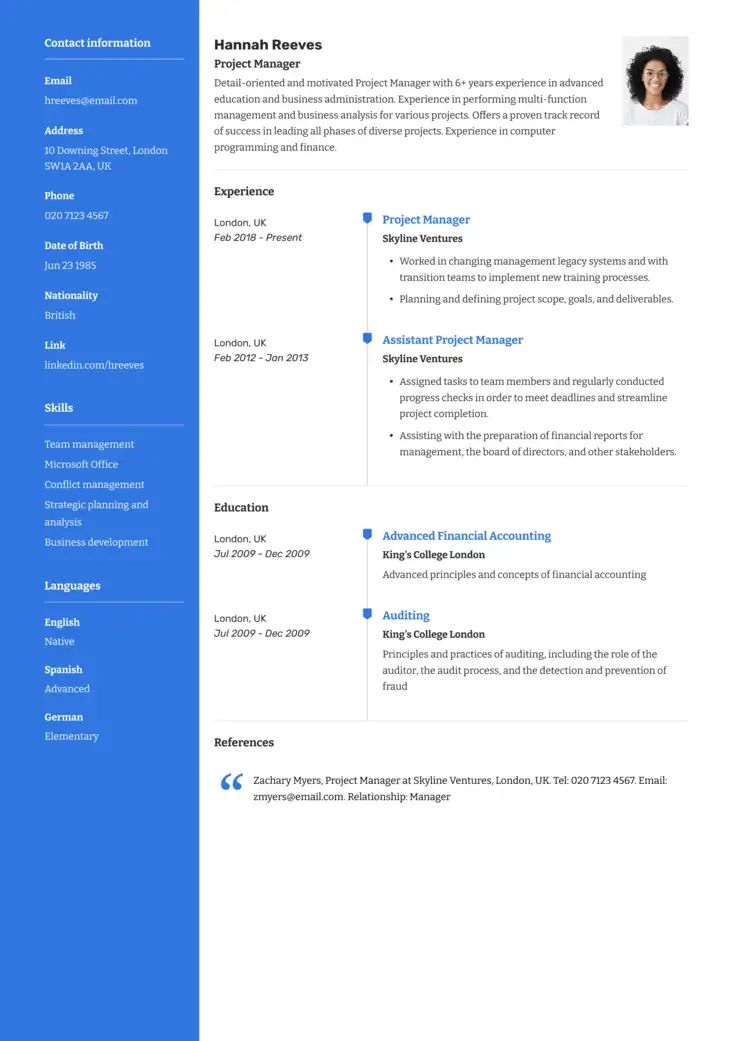
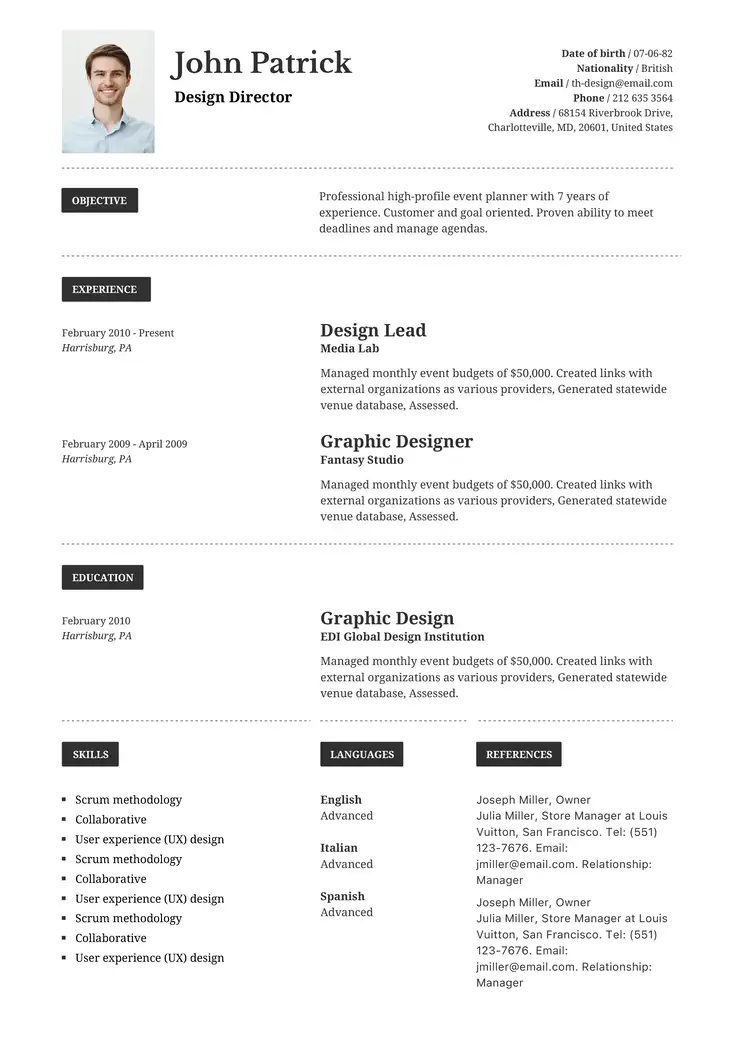
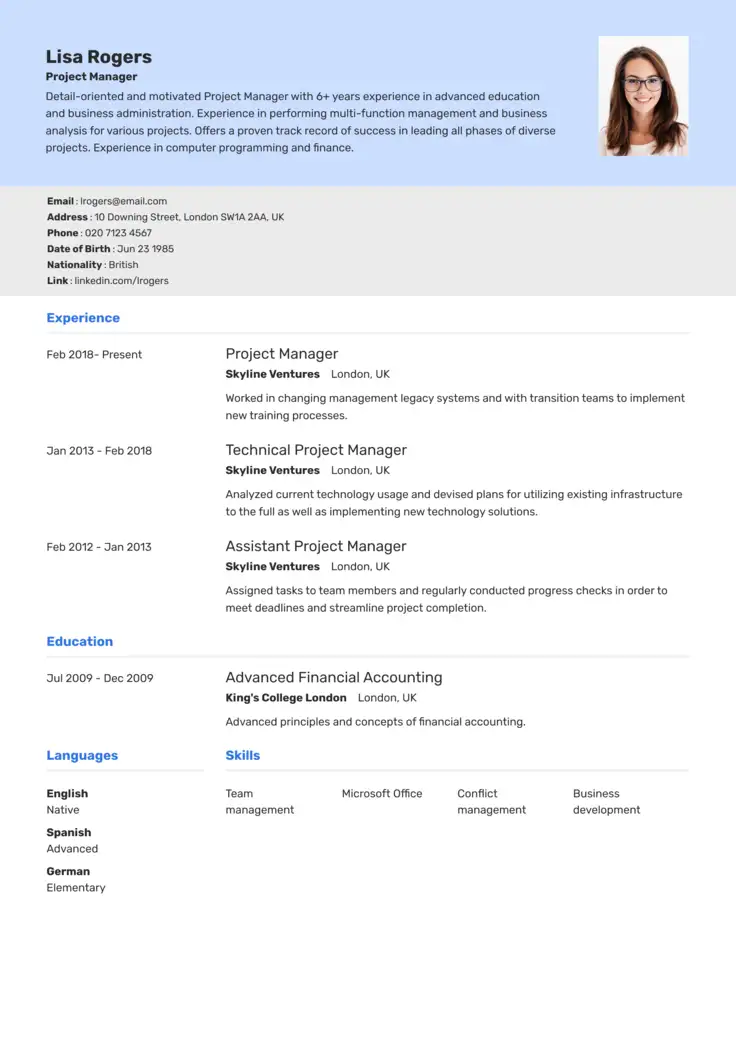
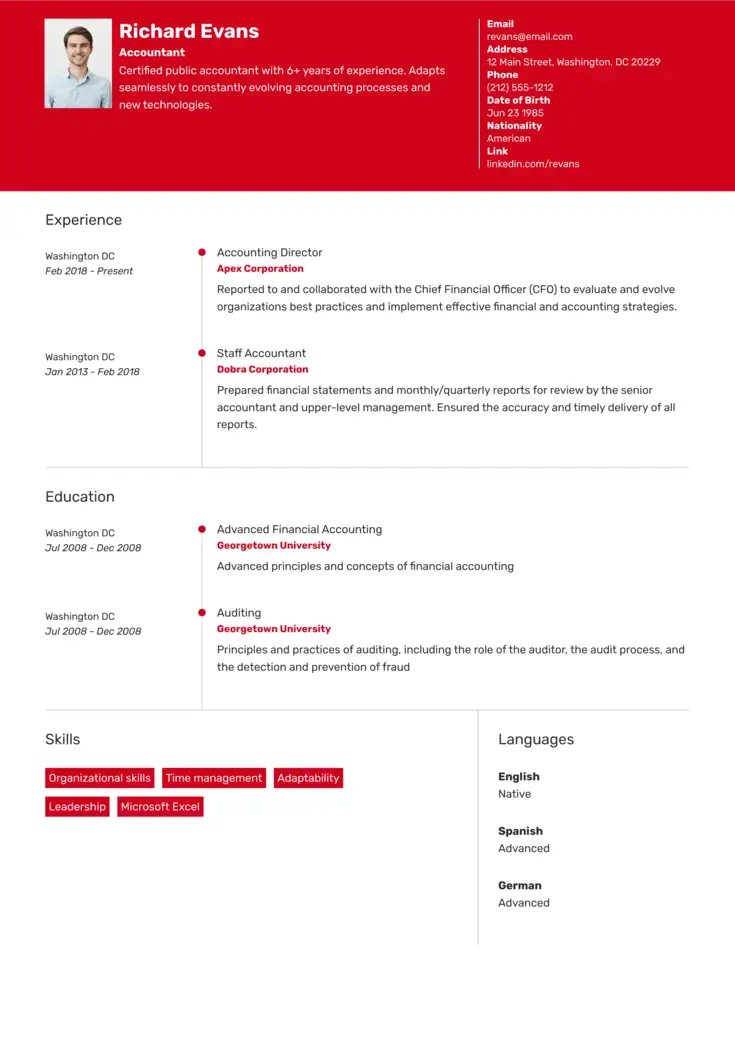
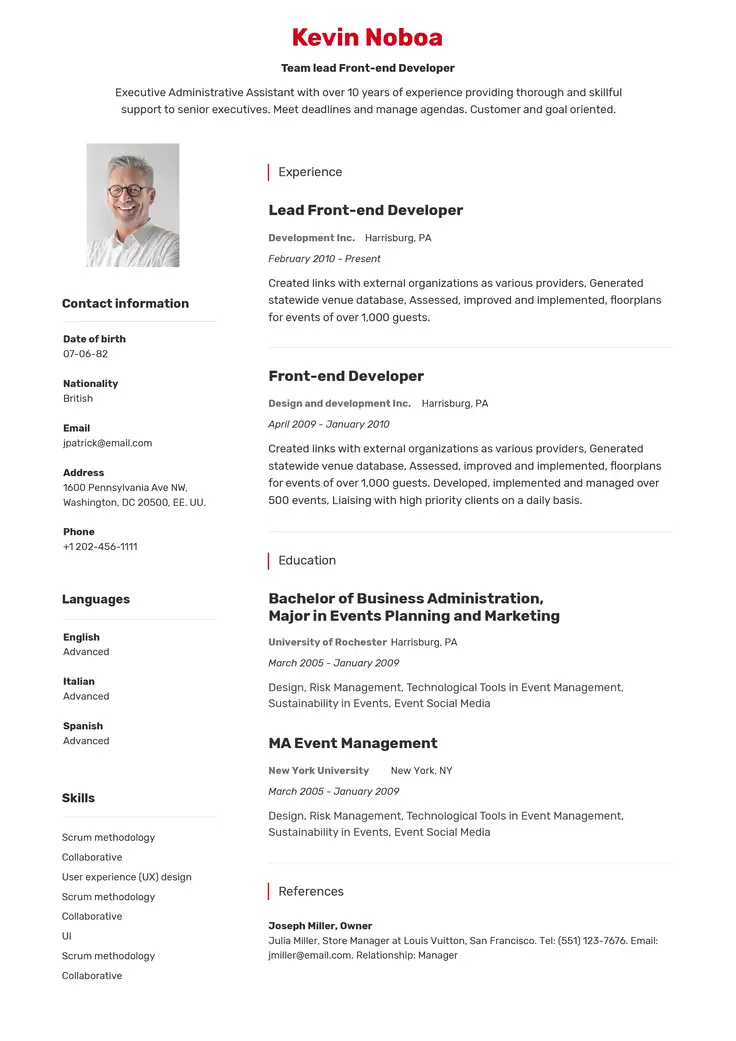
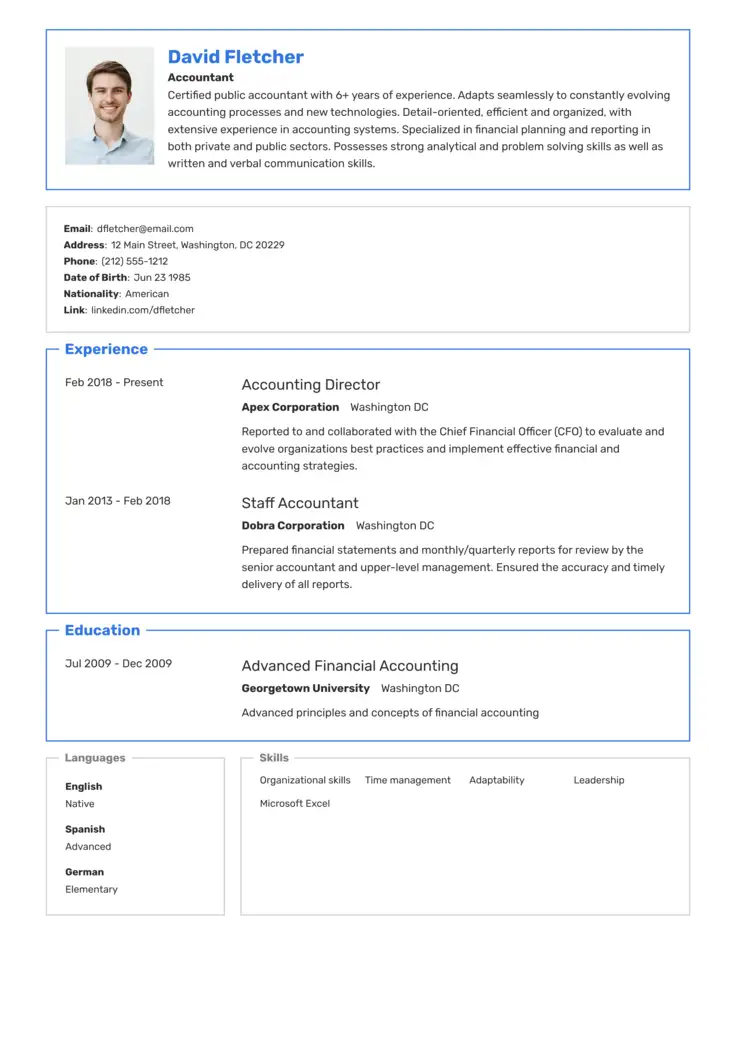
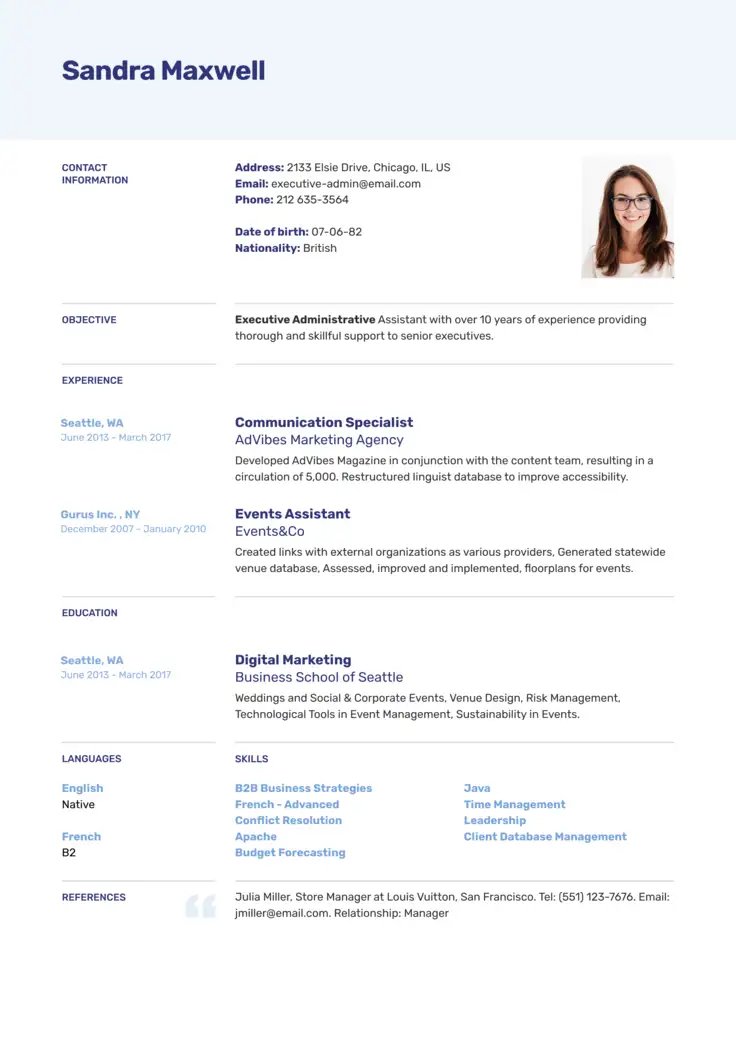
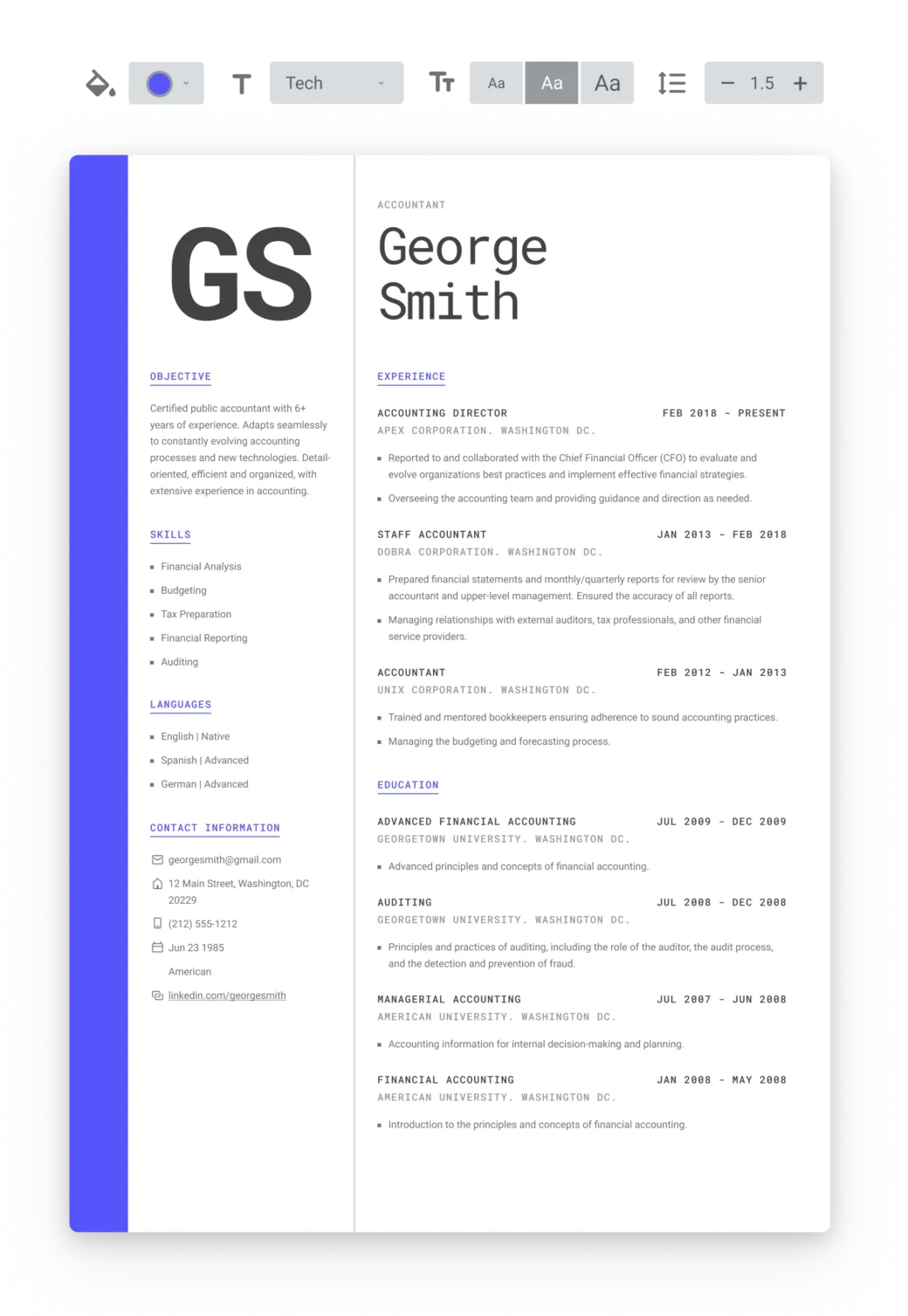
Which Resume Format Fits You Best?
You have a choice of 3 standard professional resume layouts, each suited to different career paths and goals.
Not sure which one fits you best? The quick guide below explains who can benefit most from each different type of resume as well as the advantages and drawbacks to consider.
When to use a reverse chronological resume format
Chronological resumes allow you to communicate a high level of detail about your work experience and career history. It includes a timeline of all the jobs you’ve had, going back up to 10 years.
The chronological resume template is an excellent choice for you if your career is already well-established. It is also the most commonly expected type of resume format. Recruiters like it because it’s familiar and it makes it easy to find the information they need.
Advantages
- Most commonly used
- Focuses on your work experience
- Indicates your career progression
Disadvantages
- Impractical if you have gaps in your work history
- Not useful for career changers
- Can have a negative effect if you have changed jobs frequently
Works best for:
Most job-seekers, especially those with a well-established work history in their field.
When to choose a functional resume layout
A functional or skills-based resume can help you place your abilities in the spotlight. Unlike the chronological or combination formats, the main body is dedicated primarily to showing off your most hire-worthy skills.
The functional resume can be a great option for a career changer because it doesn’t provide as much biographical detail, but draws attention to your other achievements and capacities.
It can also mask any gaps in your work history. This again is thanks to its less detailed focus on your recent experience. However, this isn’t foolproof as some employers may still query this hole in your record.
Advantages
- Helps your skills stand out
- Practical for an inexperienced professional
- Can be useful for career changers
Disadvantages
- Doesn’t provide enough detail about career experience
- Not as popular with recruiters as other choices
- Not as well optimized for ATS
Works best for:
Situations where there are gaps in your career history or you have a lack of experience.
When to go with a combination resume template
The combination resume format resumes offer a “best of both worlds” approach to candidates. Instead of having to choose whether to prioritize skills or experience, you can highlight both with equal prominence.
This can be a great choice of template for a highly specialized candidate with a strong employment history to back them up. By focusing on your abilities as much as your hands-on experience, the combination format allows you to give a much stronger impression of your expertise.
Advantages
- Gives equal balance to your skills and experience
- Useful for career changers or experienced professionals
- Can be very beneficial for highly expert candidates
Disadvantages
- It’s more difficult to create than other resume formats
- Can’t be used in as many scenarios as other formats
- Makes it more difficult to highlight educational achievements
Works best for:
When you’ve already established yourself in your chosen career. Although it’s a good all-round choice.
Tips on How To Format a Resume
The formatting of your document can have a big impact on how noticeable it will be. Refer to the following checklist for formatting a resume. Using the tips below, you’ll create a resume that’s easier to read and that looks good on paper.
1. Write clear headers
Use section headings to make essential information easy to find. Your hiring manager will likely spend only a few seconds scanning your resume. Clear headers will lead them to the information they need. Hopefully, this will make them want to read more.
2. Choose a professional and legible font
Use a common, formal font type such as Arial or Times New Roman, and size, such as size 10 or 12. You can use a larger size or bolder font for the headers, but don’t mix too many fonts and sizes. Avoid “fancy” fonts that can be difficult to read in some circumstances.
3. Use bullet points
Use bullet points to describe responsibilities and accomplishments in your work experience. Start them with a strong verb and “front-load” them with important information, like numerical evidence of your achievements.
Keep bullet points short, generally not spanning more than two lines.
4. Set proper spacing and margins
The space between the text is almost as important as the text itself. You should leave enough margin around the page edges and white space between lines and sections to make the resume easy to read. Typically, outer margins are about one inch.
5. Stay consistent throughout the document
Keep the same typeface and emphasizing features throughout. For example, if you put italics for one employer, all employers’ names should maintain this style.
Be careful to use the same formatting every time you list a date or use bullet points, bolding, italics, color, or alignment (typically left, right, justified, or indented).
6. Proofread and ask for feedback
Ensure there are no grammar or spelling errors. These can impact an employer’s confidence in your abilities. Re-read your own resume, use a proofreading tool like Grammarly, and get a trusted friend or colleague to read it over and give you constructive feedback.
Key Sections on a Basic Resume Format
Getting the basic resume format right is essential to ensure that a potential employer can easily pick you out from the crowd. Using a solid, optimized layout is crucial as this will help you include the basic resume sections that are necessary for every job application.
Consider those sections below.
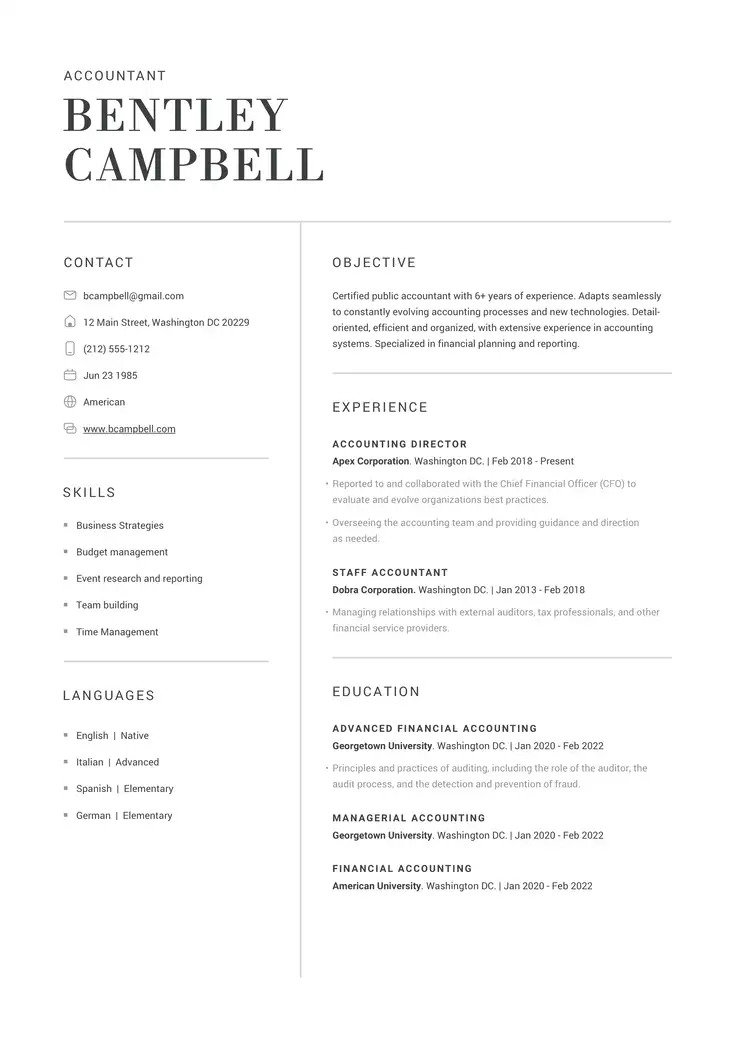
Objective
The first part of the basic resume structure includes the objective or summary statement, which is used to capture the attention of potential employers.
Experience
The second and most important section for nearly all resumes is the work experience area, which is dedicated to the details of the candidate’s work history and professional accomplishments.
Education
The third of the standard sections is education, where candidates list their academic titles, diplomas, and courses they have undertaken.
Skills
This list includes skills and abilities most relevant to the job. Use your work experience bullets to provide evidence of the listed skills.
Other
Finally, to make your resume unique, add a few other sections that are relevant to your professional profile, including languages, internships, or other suitable accomplishments. Think about how volunteer work or personal projects might be relevant to the job you’re applying for.
Writing a resume may seem intimidating, but it is less so when you take it one section at a time. Our AI-powered tools help make it even easier.
Use our AI skills generator to determine the best fits for your dream job, or incorporate suggestions from our AI resume summary generator to create an instant hook.
What Is the Correct Resume Format for Applicant Tracking Software?
After selecting your basic resume format, it’s important to keep one eye on the needs of Applicant Tracking Software (ATS).
ATS is now used by 99% of Fortune 500 employers to track and filter the hundreds of applications they receive for each role, according to research by Jobscan.
ATS can be very strict when it comes to the formatting of your resume. If they can’t read your resume well because of poorly optimized formatting, it may be rejected.
Below are essential tips that can help you create a rock-solid resume for ATS:
- Use a chronological format when possible. This helps the software find information efficiently.
- Stick to a single page. Like most of us, ATS prefer a shorter read. Processing is faster, and a single-page preference may be programmed by employers.
- Use headers to make essential information easy to find.
- Use an easily readable font like Arial or Times New Roman, and keep body text between 10 and 12 points.
- Use bullet points to organize descriptive information under your experiences.
- Leave plenty of white space around the text, including the margins.
- Be consistent in your use of italics, bolding, underlining, heading sizes, and text alignment.
Use Our AI-Powered Builder To Create the Perfect Layout
Our AI-powered resume builder can help you add information that will fit your chosen format. Here’s how:
- Content optimization: You can organize your content logically based on your format, making your resume aesthetically pleasing and easy to navigate for potential employers.
- Customization for clarity: Tailor your resume with AI recommendations that help define each section, from your summary to your experience, making your resume stand out in clarity and precision.
- Balanced presentation: Our AI-generated suggestions ensure a balance between different sections of your resume, maintaining a clean and professional format.
With our AI-driven formatting guidance, you can craft a resume that highlights certain sections and communicates your best qualities!
Struggling with Resume Writing?
Ease the process with our templates
FAQs: Resume Format and Layout
Most employers prefer the chronological resume format because it is familiar and makes finding information easy.
While functional resumes are becoming more accepted, they may still throw up red flags for some employers. Hybrid resumes also do well because of their chronological elements.
Generally, the chronological resume is still the best choice for students despite their lack of on-the-job experience.
However, if you want to highlight skills learned outside of work or school (for example, through hobbies or personal projects), a skills-based functional resume can be a good choice. Or, go for the best of both worlds with a chronological resume.
The single biggest mistake candidates make is submitting a resume with typos or errors. Other mistakes include not tailoring your resume to each job you apply for.
Other candidates include too much or too little information, either by including unrelated details or by being too general (for example, by focusing only on duties rather than results and achievements) in bullet point descriptions.
Following the above formatting tips will help you make sure your document is ATS-ready. But the best way may be to use an ATS-optimized resume template. Our online resume builder has a number of ATS-ready templates to choose from.
A targeted resume is customized and tailored to match a specific job opening. By examining the job posting, you can determine what the employer wants and adapt your skills, experience descriptions, and included achievements to directly match their needs.
You should always tailor your resume rather than turning in a generic document.